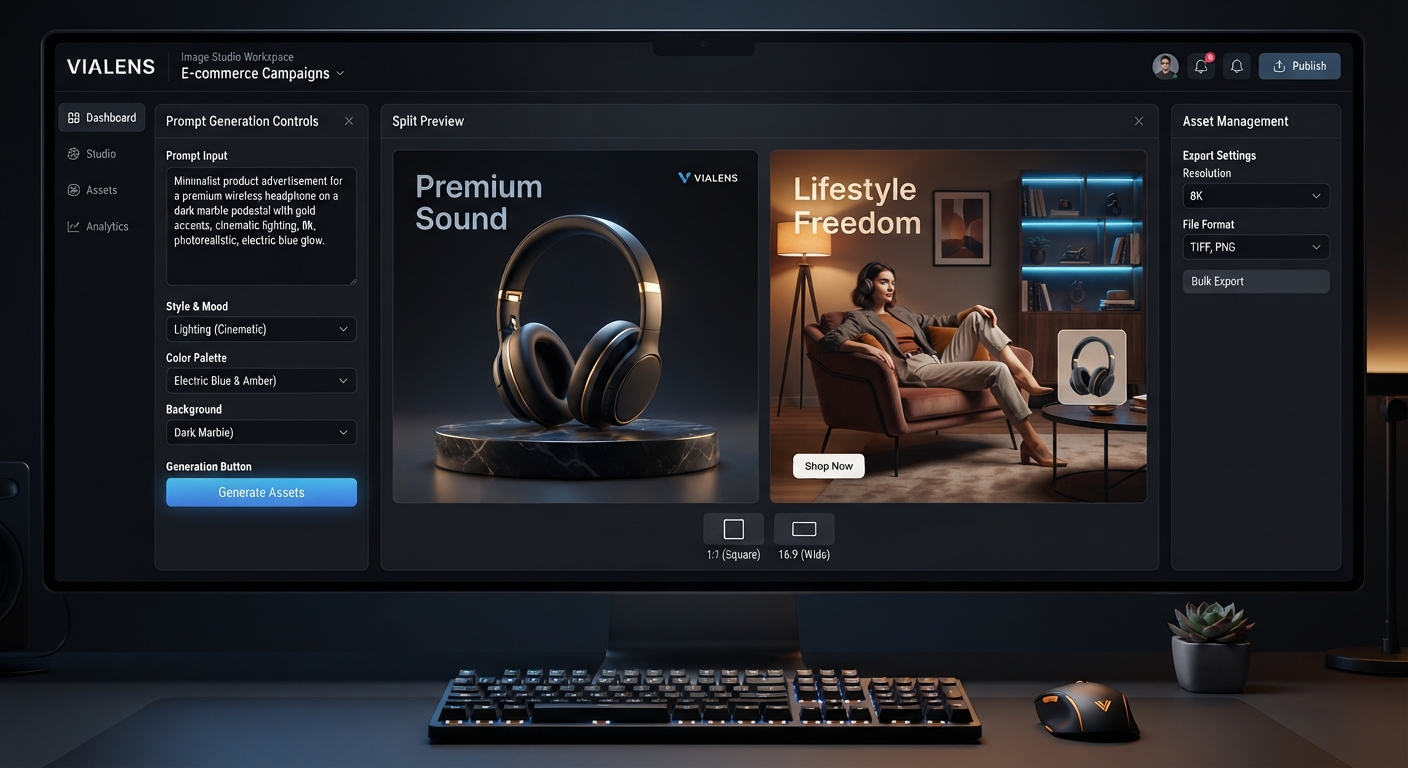
For e-commerce businesses, strong visuals can make a major difference in how customers discover and evaluate products online. Instead of relying only on basic product photos, brands can create a wider range of marketing visuals for campaigns, product pages, advertisements, and social content.
With ViaLens Image Studio, e-commerce brands can turn product ideas and creative directions into polished AI-generated marketing visuals while maintaining a consistent visual identity.
This guide includes 15 ready-to-use AI image prompts covering product campaigns, lifestyle scenes, promotional concepts, seasonal visuals, and premium commercial imagery.
What Can E-commerce Brands Create with Image Studio?
- Product marketing campaigns
- Lifestyle product scenes
- Premium product advertisements
- Social media campaign visuals
- Seasonal e-commerce campaigns
- Product launch concepts
- Minimalist product visuals
- Luxury commercial imagery
- Brand awareness campaigns
- Localized UAE and Gulf marketing visuals
15 Ready-to-Use AI Image Prompts for E-commerce
1. Premium Product Hero Campaign
Prompt:
Create a premium commercial product campaign featuring the uploaded product as the main visual subject. Preserve the product's recognizable shape, colors, materials, and important design details. Place it in a sophisticated modern environment with elegant composition, realistic lighting, subtle shadows, and premium commercial photography aesthetics. Keep the product sharp and visually dominant with clean negative space for optional campaign text.
2. Minimalist Product Advertisement
Prompt:
Create a clean minimalist advertising visual featuring the uploaded product. Keep the product clearly recognizable and visually accurate. Use a simple modern background, refined neutral tones, soft diffused lighting, realistic shadows, and balanced composition. Create a premium contemporary e-commerce aesthetic with minimal distractions.
3. Product Lifestyle Scene
Prompt:
Create a realistic lifestyle marketing image featuring the uploaded product naturally integrated into its ideal everyday environment. Preserve the product's important visual characteristics. Show a believable setting, realistic materials, natural lighting, subtle depth of field, and authentic composition. The product should remain clearly visible while the environment communicates how it can fit naturally into everyday life.
4. Luxury E-commerce Campaign
Prompt:
Create a high-end luxury campaign featuring the uploaded product as the central subject. Preserve the product's recognizable appearance and important details. Use sophisticated materials, elegant surfaces, controlled studio lighting, subtle reflections, refined shadows, and a premium editorial composition. Create the visual as a polished luxury commercial campaign.
5. Product Launch Campaign
Prompt:
Create a modern product launch campaign featuring the uploaded product prominently. Use a visually striking but sophisticated environment that supports the product without distracting from it. Include realistic materials, dramatic but controlled lighting, subtle depth of field, premium composition, and clean negative space for future launch messaging.
6. Social Media Product Visual
Prompt:
Create a visually engaging social media campaign image featuring the uploaded product. Preserve the product's recognizable appearance and place it in a modern lifestyle environment relevant to its category. Use attractive composition, realistic lighting, subtle depth of field, clean styling, and enough visual contrast to make the product immediately noticeable.
7. Product on Premium Surface
Prompt:
Create a sophisticated commercial product photograph featuring the uploaded product positioned on an elegant premium surface. Preserve its original appearance and important details. Use refined materials such as stone, marble, wood, or brushed metal depending on the product category. Add controlled studio lighting, realistic shadows, subtle reflections, and a polished commercial photography aesthetic.
8. Clean White E-commerce Visual
Prompt:
Create a professional clean e-commerce marketing visual featuring the uploaded product against a bright white environment. Preserve the product's original appearance and proportions. Use soft diffused lighting, a subtle natural shadow, realistic materials, and a clean uncluttered composition. Create a modern product-catalog aesthetic suitable for an online store.
9. Product in Everyday Use
Prompt:
Create a realistic lifestyle image showing the uploaded product naturally being used in an appropriate everyday environment. Keep the product recognizable and visually accurate. Use authentic composition, realistic human interaction where appropriate, natural lighting, believable surroundings, and subtle depth of field. The image should communicate practical everyday use without exaggerated claims.
10. UAE E-commerce Campaign
Prompt:
Create a premium e-commerce campaign visual designed for a UAE audience. Feature the uploaded product as the main subject in a sophisticated modern environment with subtle Gulf-inspired visual cues where appropriate. Use elegant contemporary styling, realistic lighting, refined neutral tones, premium composition, and commercially polished photography. Keep the product clearly visible and avoid unnecessary cultural stereotypes.
11. Seasonal E-commerce Campaign
Prompt:
Create a sophisticated seasonal e-commerce campaign featuring the uploaded product as the central subject. Preserve its recognizable appearance and important details. Add subtle seasonal elements that complement the product without overwhelming it. Use elegant colors, realistic materials, soft controlled lighting, and a premium commercial composition.
12. Product Collection Campaign
Prompt:
Create a premium campaign visual featuring the uploaded product as part of a coordinated product collection. Maintain consistent visual styling, lighting, materials, and composition. Keep each product clearly recognizable and properly proportioned. Use a sophisticated commercial environment with realistic shadows, subtle reflections, and a polished brand-campaign aesthetic.
13. Editorial E-commerce Campaign
Prompt:
Create an editorial-style commercial campaign featuring the uploaded product. Use sophisticated composition, refined styling, realistic materials, controlled lighting, subtle depth of field, and premium magazine-inspired photography. Keep the product as the primary subject while creating a visually distinctive environment that supports the brand identity.
14. Product with Brand Lifestyle
Prompt:
Create a premium lifestyle campaign that reflects the target customer's lifestyle while featuring the uploaded product prominently. Preserve the product's recognizable appearance and important details. Build an authentic environment that matches the product category, with realistic lighting, natural composition, sophisticated styling, and a clear visual hierarchy.
15. E-commerce Campaign Hero Image
Prompt:
Create a premium hero image for an e-commerce marketing campaign using the uploaded product as the central subject. Preserve its recognizable shape, colors, materials, and important design details. Use sophisticated lighting, realistic shadows, subtle depth of field, premium commercial styling, and balanced negative space for future campaign text. Create a polished, modern, high-end e-commerce visual.
How to Customize E-commerce Image Prompts
The most useful e-commerce prompts combine the product itself with a clear environment, visual style, lighting direction, and marketing purpose.
| Element | What to Specify |
|---|---|
| Product | Product category, design, material, and key visual characteristics |
| Environment | Home, office, kitchen, bathroom, outdoor, studio, or retail environment |
| Composition | Hero, lifestyle, close-up, editorial, or product-focused composition |
| Lighting | Soft, cinematic, natural, dramatic, or studio lighting |
| Mood | Luxury, modern, playful, minimal, premium, fresh, or energetic |
| Audience | Who the product is designed for |
| Brand Direction | Colors, visual style, positioning, and campaign personality |
| Marketing Goal | Product launch, awareness, promotion, lifestyle, or seasonal campaign |
Make Your Product the Visual Focus
When creating e-commerce marketing imagery, the environment should support the product rather than compete with it.
Clearly identify the uploaded product as the primary visual reference and describe the scene around it. If the product has important design details, mention them explicitly so the creative direction remains focused on the actual item.
Use Your Brand Kit
Before creating multiple campaign visuals, make sure your ViaLens Brand Kit reflects your e-commerce brand identity.
A consistent visual direction can help different AI-generated assets feel like part of the same campaign, even when the scenes and concepts are different.
Choose the Right Aspect Ratio
Consider the intended use when selecting your image format.
- 1:1: Useful for square product and campaign visuals.
- 16:9: Useful for wider campaign compositions and website or promotional layouts.
E-commerce Image Prompt Tips
- Describe the product clearly and keep it as the primary subject.
- Choose an environment that makes sense for the product category.
- Use lifestyle scenes when showing how a product fits into everyday use.
- Use minimalist compositions when the product itself needs maximum attention.
- Specify realistic materials and lighting for more convincing commercial visuals.
- Leave negative space when campaign text may be added later.
- Create multiple visual concepts around the same campaign idea for testing.
- Review generated images carefully for product accuracy before publishing.
Examples by Product Category
| Product Category | Useful Visual Direction |
|---|---|
| Beauty | Luxury surfaces, clean studio lighting, elegant lifestyle scenes |
| Cookware | Modern kitchens, food preparation environments, realistic materials |
| Electronics | Minimalist interiors, modern workspaces, premium technology styling |
| Home Products | Natural lifestyle environments, warm interiors, realistic everyday use |
| Fashion | Model-based campaigns and wardrobe-focused creative workflows |
| Accessories | Editorial styling, premium surfaces, close-up product compositions |
Build a Complete E-commerce Marketing Workflow
Image Studio can be one part of a complete product marketing workflow in ViaLens.
| Marketing Task | ViaLens Tool |
|---|---|
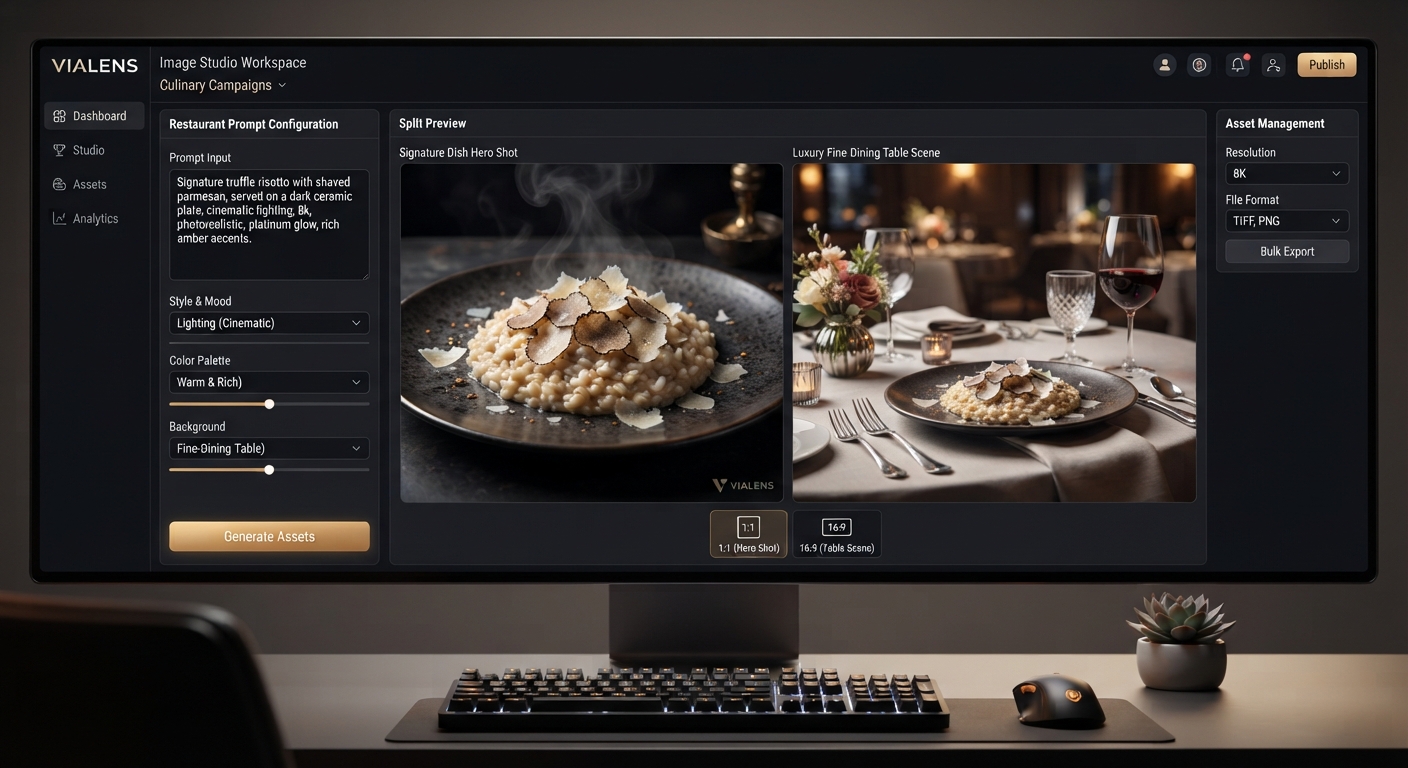
| Creative campaign visuals | Image Studio |
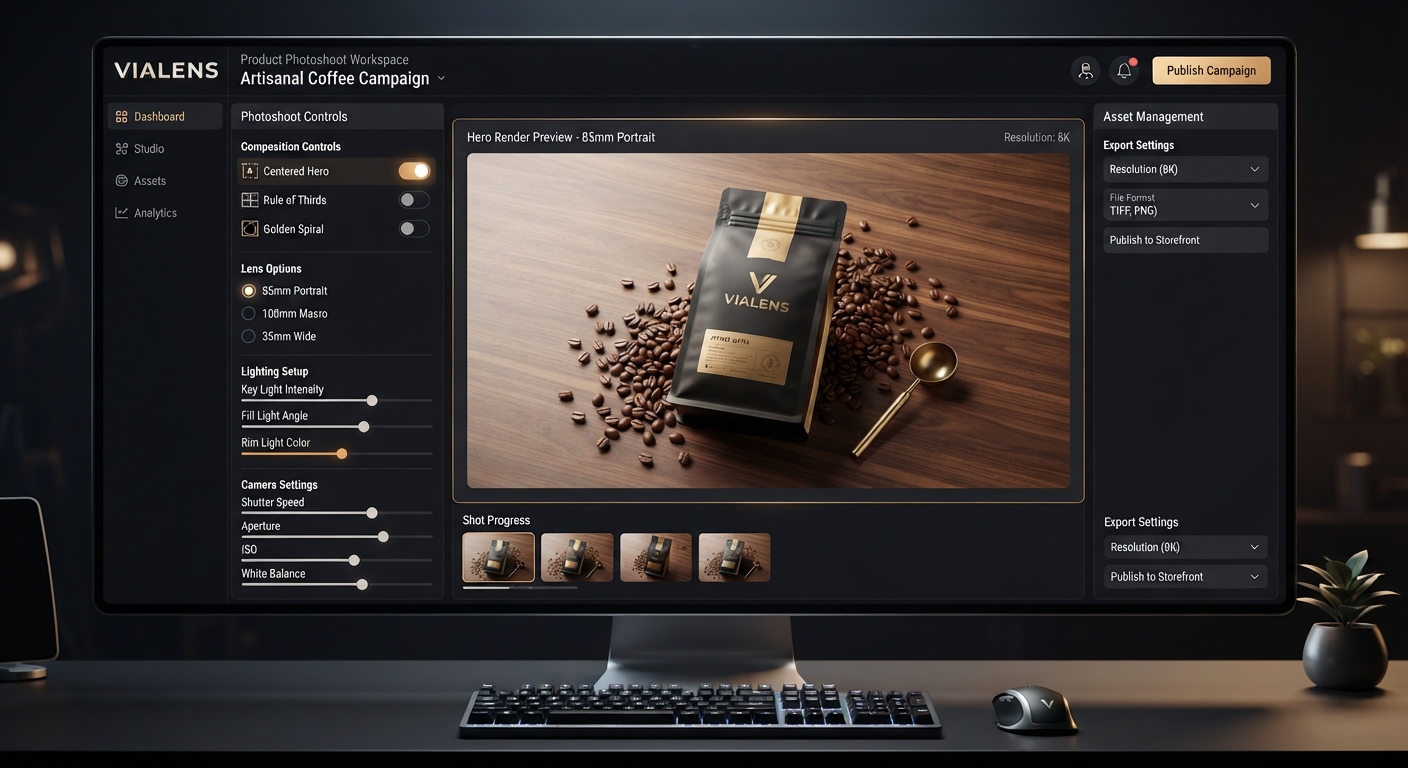
| Professional product photography | Product Photoshoot |
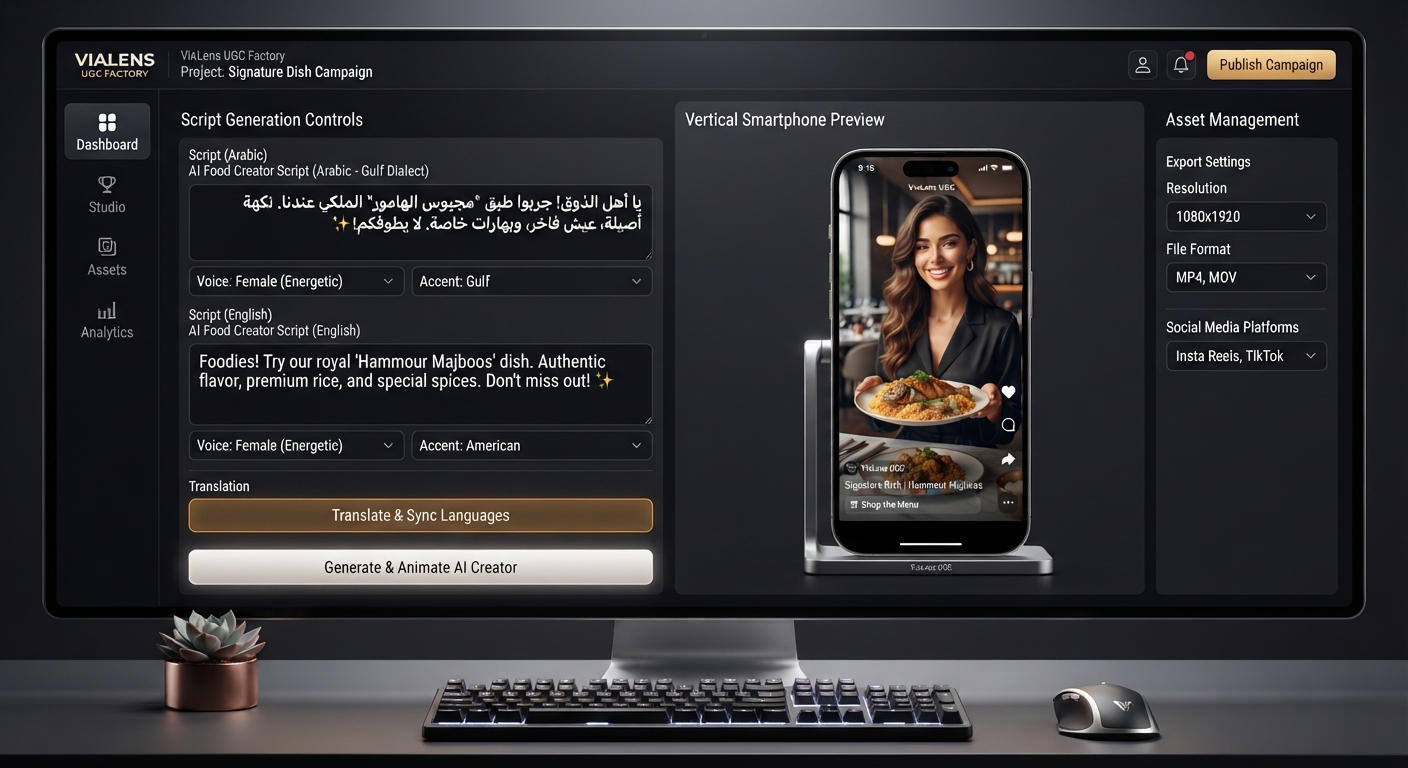
| Short-form product videos | UGC Factory |
| Advertising headlines and copy | Copy Studio |
| Clothing and fashion campaigns | Fashion Studio |
| Consistent brand identity | Brand Kit |
Example: E-commerce Product Launch
Imagine an online store launching a new cookware product.
- Upload the product and create professional hero photography with Product Photoshoot.
- Create lifestyle kitchen scenes with Image Studio.
- Create a short product-focused UGC video with UGC Factory.
- Use Copy Studio to create headlines, product messaging, and CTAs.
- Use the Brand Kit to keep the campaign visually consistent.
For clothing products, the workflow can also include Fashion Studio for wardrobe-focused campaign imagery.
Start Creating E-commerce Campaign Visuals
From clean product images to lifestyle campaigns and seasonal promotions, ViaLens Image Studio gives e-commerce businesses a flexible way to create professional marketing visuals around their products.
Choose one of the prompts above, customize the product category, environment, audience, and brand direction, and start creating your next e-commerce campaign with ViaLens.
Comments (0)
Be the first to leave a comment.