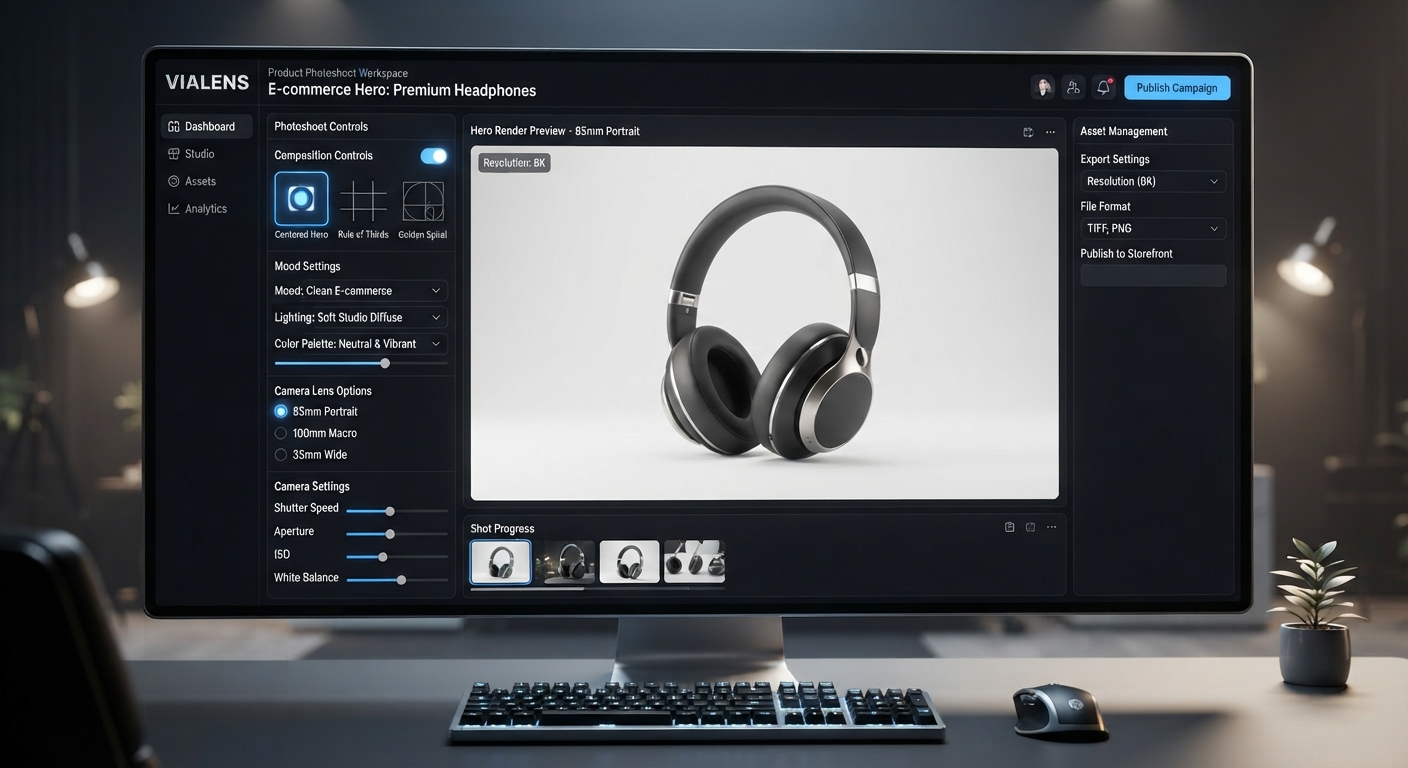
High-quality product photography plays an important role in e-commerce. Customers need to understand what a product looks like, how it fits into its environment, and how the brand presents it before making a purchase decision.
With ViaLens Product Photoshoot, e-commerce brands can transform product assets into polished commercial visuals while maintaining the identity and important details of the uploaded product.
Why Use AI Product Photoshoot for E-commerce?
Traditional product photography can require studio equipment, locations, props, and repeated production sessions. AI-assisted product photography provides another way to explore different visual concepts and campaign directions from existing product assets.
- Create premium product hero images
- Build lifestyle scenes around existing products
- Explore different backgrounds and visual environments
- Create seasonal and campaign-specific imagery
- Generate different compositions for different marketing channels
- Maintain a consistent visual direction across product campaigns
15 Ready-to-Use AI Product Photoshoot Prompts
1. Premium Product Hero Shot
Prompt: Create a premium commercial product photograph using the uploaded product as the exact visual reference. Preserve the product's shape, proportions, materials, colors, branding, packaging, and important details. Place it centered on a sophisticated studio surface with controlled soft lighting, subtle reflections, and a clean luxury background.
Use Case: Main product image for premium e-commerce campaigns.
2. Minimalist White Background
Prompt: Create a clean professional e-commerce product photograph using the uploaded product exactly as provided. Preserve all product details and branding. Place the product against a seamless bright white background with soft studio lighting and a subtle natural shadow underneath. Keep the composition simple and product-focused.
Use Case: Clean catalog-style product imagery.
3. Luxury Dark Product Campaign
Prompt: Create a sophisticated luxury product photograph featuring the uploaded product. Preserve its exact appearance, proportions, materials, colors, and branding. Place it against a deep dark premium background with controlled cinematic lighting, subtle highlights, realistic reflections, and a soft grounding shadow.
Use Case: Premium and luxury product campaigns.
4. Product on Marble
Prompt: Create a high-end commercial product photograph using the uploaded product without changing its design or branding. Place it on an elegant marble surface with soft directional lighting, subtle shadows, refined reflections, and a clean premium background. Keep the product as the visual focus.
Use Case: Beauty, skincare, home, accessories, and premium consumer products.
5. Product with Natural Elements
Prompt: Create a refined lifestyle product photograph using the uploaded product as the exact reference. Preserve the product completely. Surround it with subtle natural elements that complement the product category, such as leaves, stone, wood, or botanical details. Use soft natural lighting and a premium editorial composition.
Use Case: Beauty, wellness, skincare, food, and natural lifestyle products.
6. Product in Everyday Lifestyle Setting
Prompt: Create a realistic lifestyle product photograph featuring the uploaded product in a relevant everyday environment. Preserve the product's exact appearance and branding. Build a clean, believable setting around it with natural lighting, realistic shadows, and a composition that clearly communicates how the product could fit into daily life.
Use Case: Showing products in a practical real-world context.
7. Premium Product Close-Up
Prompt: Create a detailed commercial close-up photograph of the uploaded product. Preserve its original design, materials, texture, branding, and proportions. Use controlled studio lighting, shallow depth of field, precise focus on important product details, and a sophisticated blurred background.
Use Case: Highlighting product quality, materials, textures, or packaging details.
8. Product Launch Campaign
Prompt: Create a premium product launch image featuring the uploaded product as the hero. Preserve the product exactly and keep its branding clearly visible. Build a modern campaign environment with dramatic but controlled lighting, elegant composition, subtle depth, and enough visual space around the product for a polished advertising layout.
Use Case: New product launches and campaign announcements.
9. Seasonal Product Scene
Prompt: Create a seasonal commercial product photograph featuring the uploaded product. Preserve its exact appearance and branding. Build a tasteful seasonal environment around it using relevant props and subtle decorative elements. Maintain a premium e-commerce aesthetic with balanced lighting and a clear product-focused composition.
Use Case: Seasonal campaigns and promotional collections.
10. Product with Soft Natural Lighting
Prompt: Create a realistic premium product photograph using the uploaded product exactly as provided. Place it near a softly illuminated environment with natural-looking directional light, gentle shadows, realistic surface interaction, and subtle depth. Keep the product sharp and visually dominant.
Use Case: Lifestyle brands seeking a natural and modern aesthetic.
11. Product Editorial Campaign
Prompt: Create an editorial-style commercial photograph featuring the uploaded product. Preserve the product's original shape, color, materials, packaging, and branding. Use sophisticated composition, controlled studio lighting, subtle shadows, premium textures, and a refined visual hierarchy inspired by high-end product advertising.
Use Case: Premium brand campaigns and editorial marketing visuals.
12. Product in a Premium Interior
Prompt: Create a sophisticated lifestyle product photograph using the uploaded product as the exact reference. Place it naturally within a modern premium interior that is relevant to the product category. Preserve the product completely and use realistic lighting, shadows, reflections, and depth to make the scene believable.
Use Case: Home, lifestyle, electronics, furniture accessories, and consumer products.
13. Macro Product Detail
Prompt: Create a premium macro-style product photograph focusing on the most visually important detail of the uploaded product. Preserve its original materials, colors, texture, and branding. Use precise studio lighting, shallow depth of field, realistic highlights, and a sophisticated background while keeping the product detail authentic.
Use Case: Showing craftsmanship, texture, materials, packaging, or product details.
14. Product Collection Composition
Prompt: Create a premium e-commerce campaign composition featuring the uploaded product as the main visual focus. If multiple products are provided, arrange them naturally as a coordinated collection while preserving each product's original appearance, proportions, colors, and branding. Use consistent studio lighting and a clean commercial composition.
Use Case: Product collections, bundles, and coordinated product ranges.
15. E-commerce Campaign Hero Image
Prompt: Create a polished hero image for an e-commerce campaign using the uploaded product as the exact visual reference. Preserve its design, proportions, materials, colors, packaging, and branding. Build a premium commercial environment with sophisticated lighting, realistic shadows, subtle depth, and a strong product-centered composition.
Use Case: Primary campaign visuals and premium e-commerce promotions.
How to Customize Your Product Photoshoot Prompts
You can adapt each prompt by changing the environment, mood, lighting, composition, and visual direction while keeping the product itself consistent.
| Element | What to Customize |
|---|---|
| Product | Product category, material, packaging, and important visual details |
| Environment | Studio, kitchen, bathroom, office, bedroom, outdoor setting, or another relevant location |
| Surface | Marble, wood, glass, stone, fabric, or clean studio surface |
| Lighting | Soft daylight, controlled studio lighting, dramatic highlights, or cinematic lighting |
| Composition | Centered hero, close-up, lifestyle composition, or editorial arrangement |
| Mood | Luxury, minimal, natural, modern, warm, elegant, or premium |
| Aspect Ratio | Choose the format that matches the intended creative or campaign layout |
Use Product Photoshoot Controls for More Creative Direction
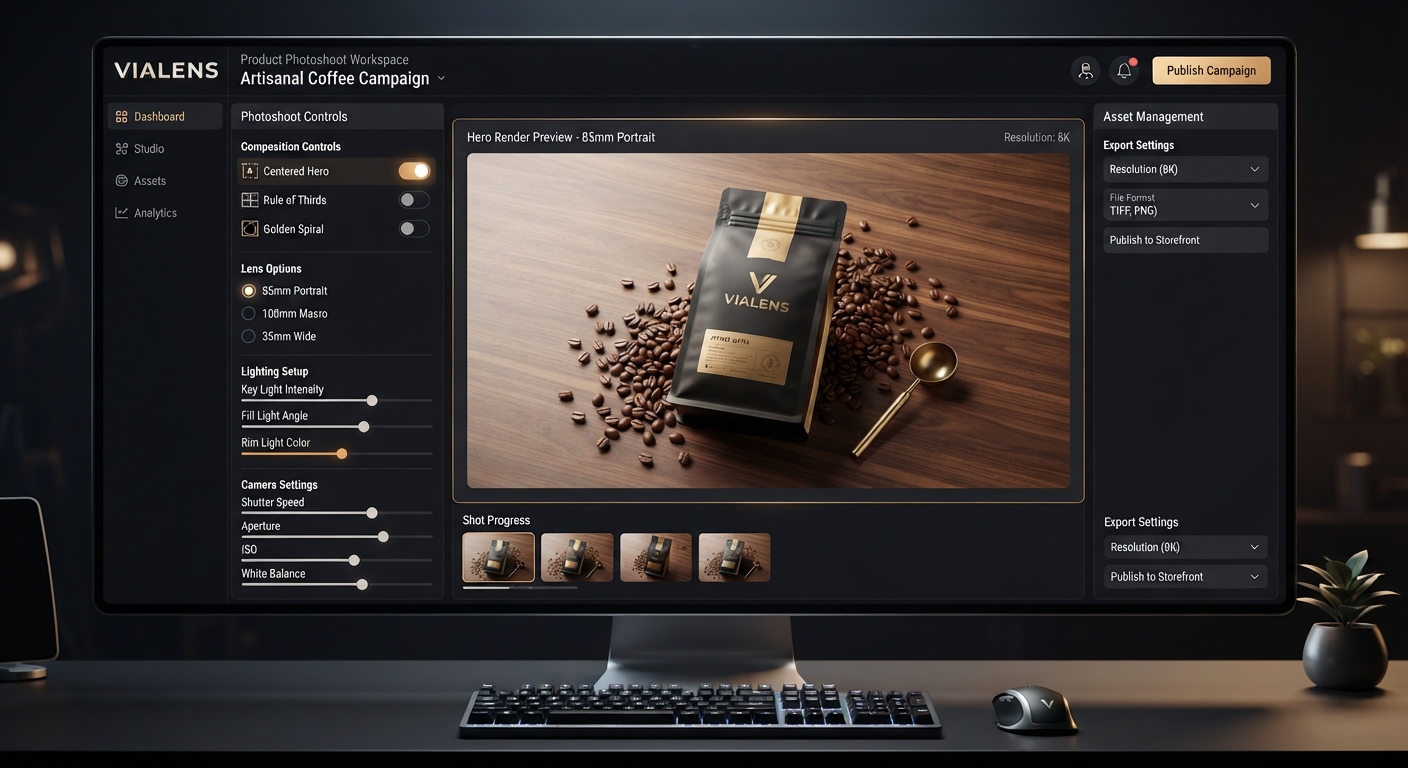
ViaLens Product Photoshoot provides additional creative controls that can help refine the visual direction of your product image.
- Composition: Use
Centered Herowhen you want the product to remain the primary focal point. - Color & Mood: Choose
Luxury Darkfor a sophisticated premium visual direction. - Lens & Depth of Field: Use
85mm Portraitor100mm Macrowhen the desired composition benefits from stronger subject separation or detailed close-up presentation. - Magic Prompt: Add more specific creative direction for the scene, environment, lighting, and overall visual style.
Best Practices for E-commerce Product Photography
- Start with a clear, high-quality product asset.
- Describe the environment you want rather than using vague instructions.
- Keep the product as the main visual subject.
- Specify lighting when the mood is important to the campaign.
- Use realistic surfaces, shadows, and reflections.
- Avoid adding unnecessary props that compete with the product.
- For product-focused campaigns, clearly instruct the AI to preserve the uploaded product's important details.
- Create multiple visual directions for the same product instead of relying on one image style.
Example: Turning a Basic Product Photo into a Campaign Visual
Imagine you have a simple product image of a cookware item on a plain background.
Instead of simply asking for “a better product photo,” provide specific direction:
Example Prompt: Create a premium commercial product photograph using the uploaded cookware product as the exact reference. Preserve its shape, proportions, wood handle, lid, material, color, and all visible design details. Place it on a refined stone kitchen surface with warm natural window light, subtle realistic shadows, and a sophisticated modern kitchen background. Keep the cookware as the main focus and use a clean editorial composition.
The same product can then be adapted into several different creative directions without changing the core product identity.
Build a Complete E-commerce Creative Workflow
Product Photoshoot becomes even more useful when combined with the other ViaLens tools:
- Product Photoshoot: Create polished product-focused imagery.
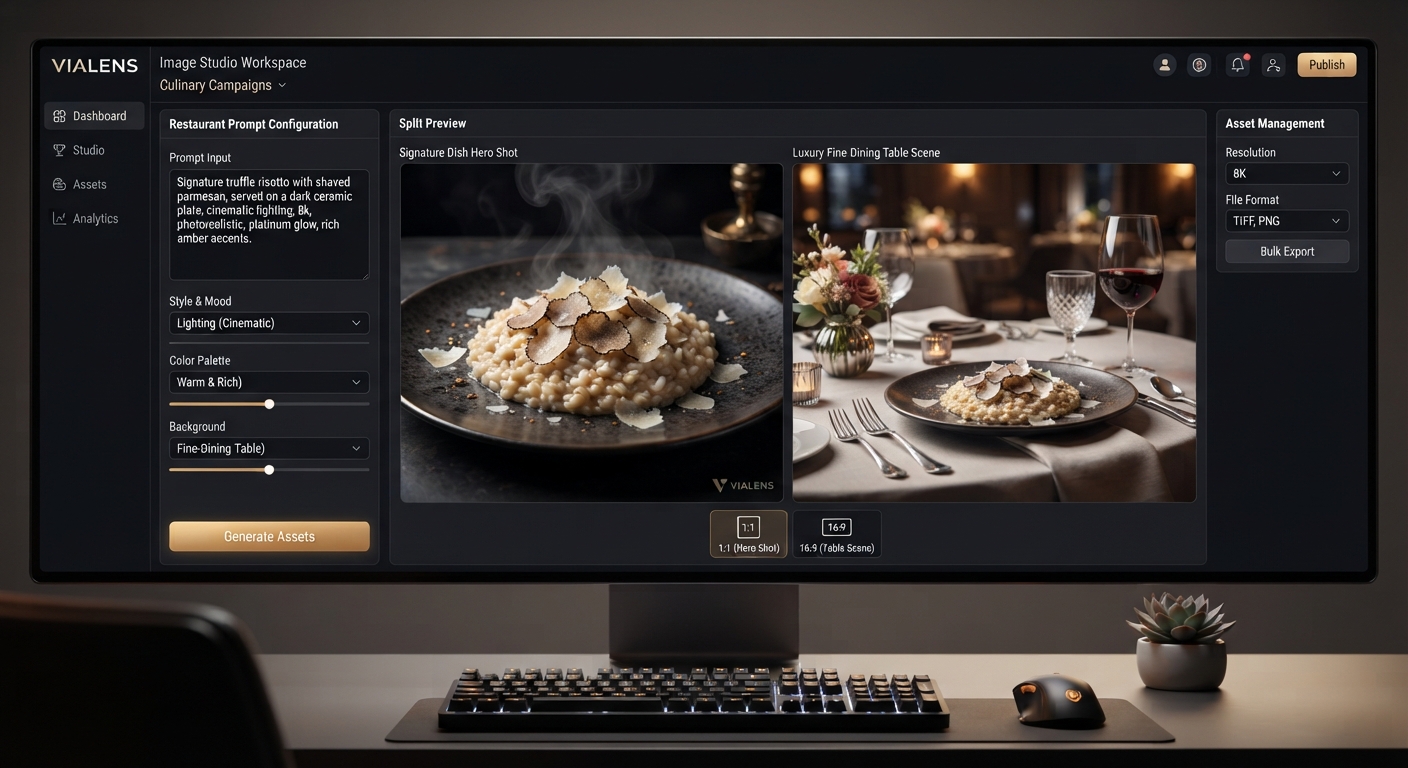
- Image Studio: Build broader campaign and lifestyle visuals.
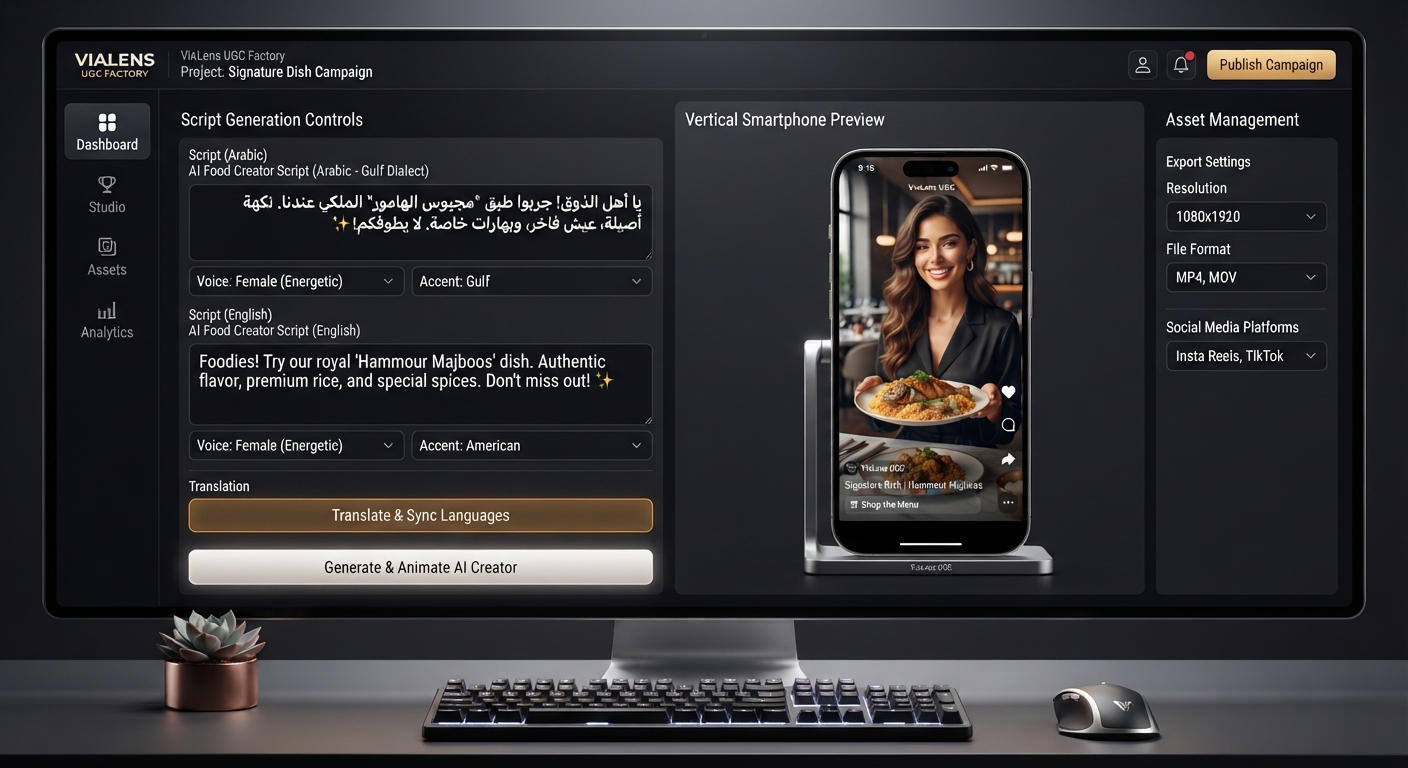
- UGC Factory: Create short-form UGC-style product videos.
- Copy Studio: Develop supporting advertising and marketing copy.
- Brand Kit: Maintain consistent brand direction across your creative assets.
- Fashion Studio: Use specifically for clothing and fashion products.
Final Thoughts
Strong e-commerce product photography combines product accuracy with a clear visual concept. Instead of relying on a generic background, use specific direction for the environment, lighting, composition, mood, and camera perspective.
With ViaLens Product Photoshoot, you can explore different commercial and lifestyle concepts around the same product while keeping the product itself at the center of the creative.
Comments (0)
Be the first to leave a comment.