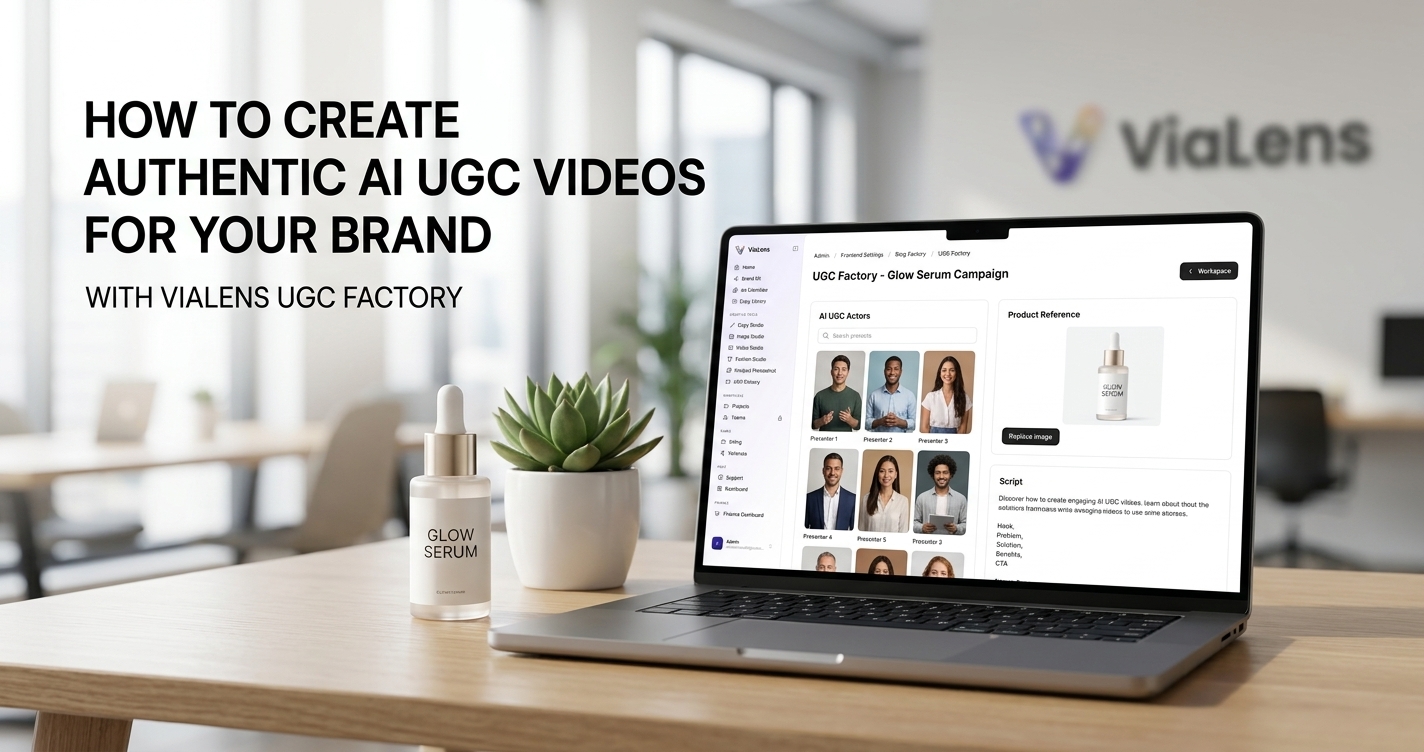
User-generated content has become an important format for modern digital marketing. Instead of relying only on polished studio advertisements, brands can use UGC-style videos to present products through a more personal, conversational, and social-first format.
Traditionally, creating this type of content required finding creators, preparing products, coordinating scripts, recording footage, and editing the final videos. With ViaLens UGC Factory, you can create AI-powered UGC-style videos directly from your browser and experiment with different actors, scripts, voices, and creative concepts.
What is ViaLens UGC Factory?
ViaLens UGC Factory is an AI video creation workspace designed to help brands and marketers produce social-first UGC-style marketing videos.
You can select an AI actor, provide your product or creative reference, write a script, choose a suitable voice, and generate a short-form video designed for modern social media advertising.
Key Capabilities:
- AI UGC Actors: Choose from available AI actors to create different presenter styles and visual identities for your campaigns.
- Product-Focused Content: Create videos that introduce products, demonstrate features, highlight benefits, or communicate promotional messages.
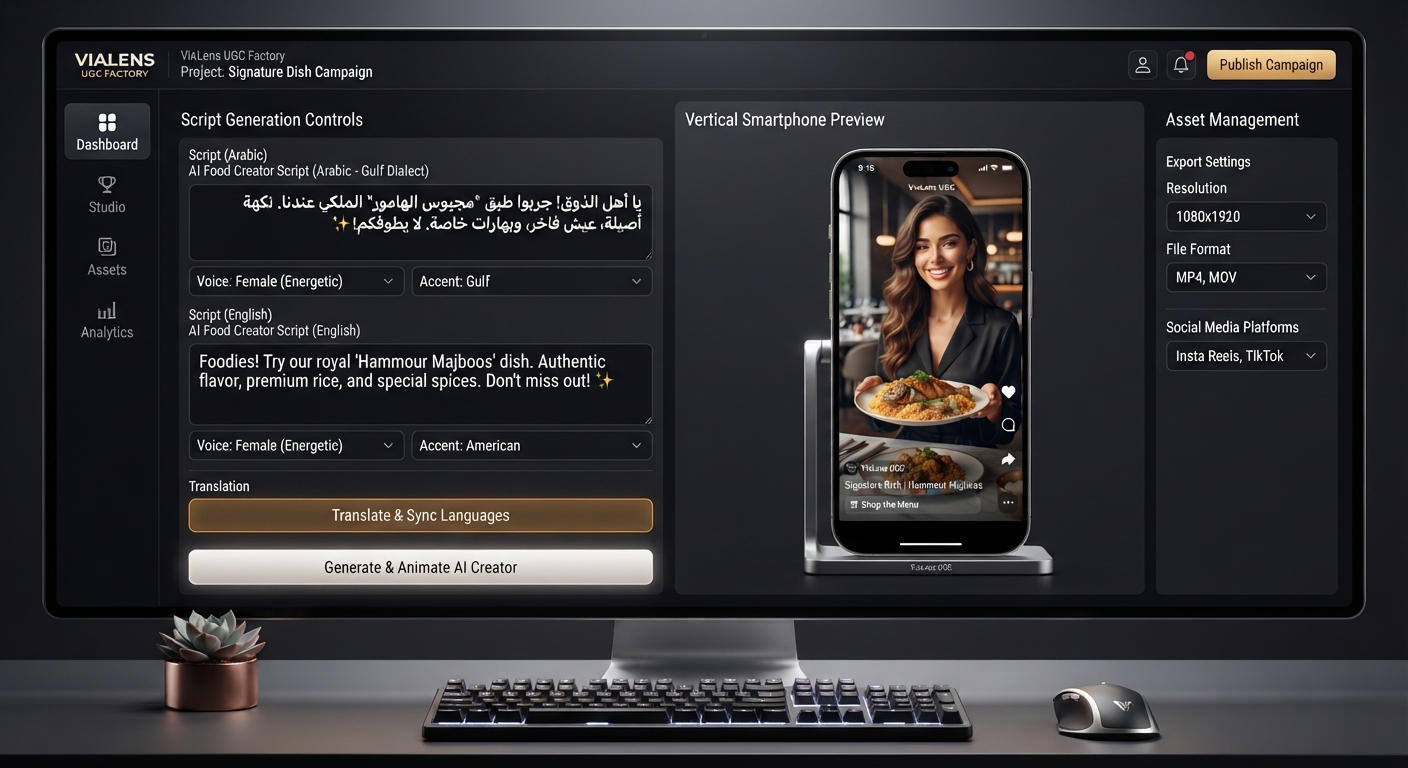
- Custom Scripts: Write your own script and control the message, tone, product information, and call to action.
- Voice Selection: Choose an appropriate voice for the actor and target audience to create a more natural social-video experience.
- Short-Form Video: Create vertical social-style content suitable for platforms such as Instagram Reels and TikTok.
Step-by-Step: How to Create an AI UGC Video
Step 1: Choose Your AI Actor
Start by opening UGC Factory in the ViaLens dashboard and selecting the AI actor that best matches your campaign. Consider your target audience, product category, campaign style, and desired personality when choosing an actor.
Step 2: Add Your Product & Creative Reference
Provide the product or visual reference required for your UGC video. A clear product image helps establish what the video should focus on and gives the generated content a stronger visual reference.
Step 3: Write Your UGC Script
Create a short script that sounds natural when spoken by the selected actor. Avoid writing the script like a traditional corporate advertisement. A simple structure can be:
- Hook: Capture attention in the opening seconds.
- Problem or Need: Introduce the situation the customer can relate to.
- Product: Present the product and what makes it useful.
- Benefit: Explain the main value or feature.
- Call to Action: Tell the viewer what to do next.
Step 4: Select the Voice & Language
Choose a voice that matches the actor, audience, and campaign style. For regional campaigns in UAE and Gulf, localized Arabic content can help create a more familiar and relevant experience.
Step 5: Generate & Review Your Video
Once your actor, product reference, script, voice, and video settings are ready, generate your UGC video and review the final result for visual consistency and pacing.
How to Create Better UGC-Style Videos
- Start with a strong hook: Give viewers a reason to keep watching from the beginning.
- Keep the message focused: Highlight one main product benefit instead of trying to explain everything at once.
- Use conversational language: Write the script as something a real person could naturally say.
- Show the product clearly: Make sure the product remains an important part of the visual story.
- Match the voice to the audience: Consider language, accent, tone, and campaign style.
- Test different creative concepts: Create variations with different hooks, scripts, actors, and presentation styles.
UGC Videos for Different Marketing Goals
| Marketing Goal | UGC Concept |
|---|---|
| Product Introduction | Introduce the product and explain what makes it useful. |
| Product Benefits | Focus the video on one specific feature or customer benefit. |
| Problem & Solution | Show a relatable customer problem and present the product as a solution. |
| Product Demonstration | Explain how the product works or how it can be used. |
| Promotional Campaign | Combine a strong hook, product benefit, offer, and call to action. |
From Product Image to UGC Video
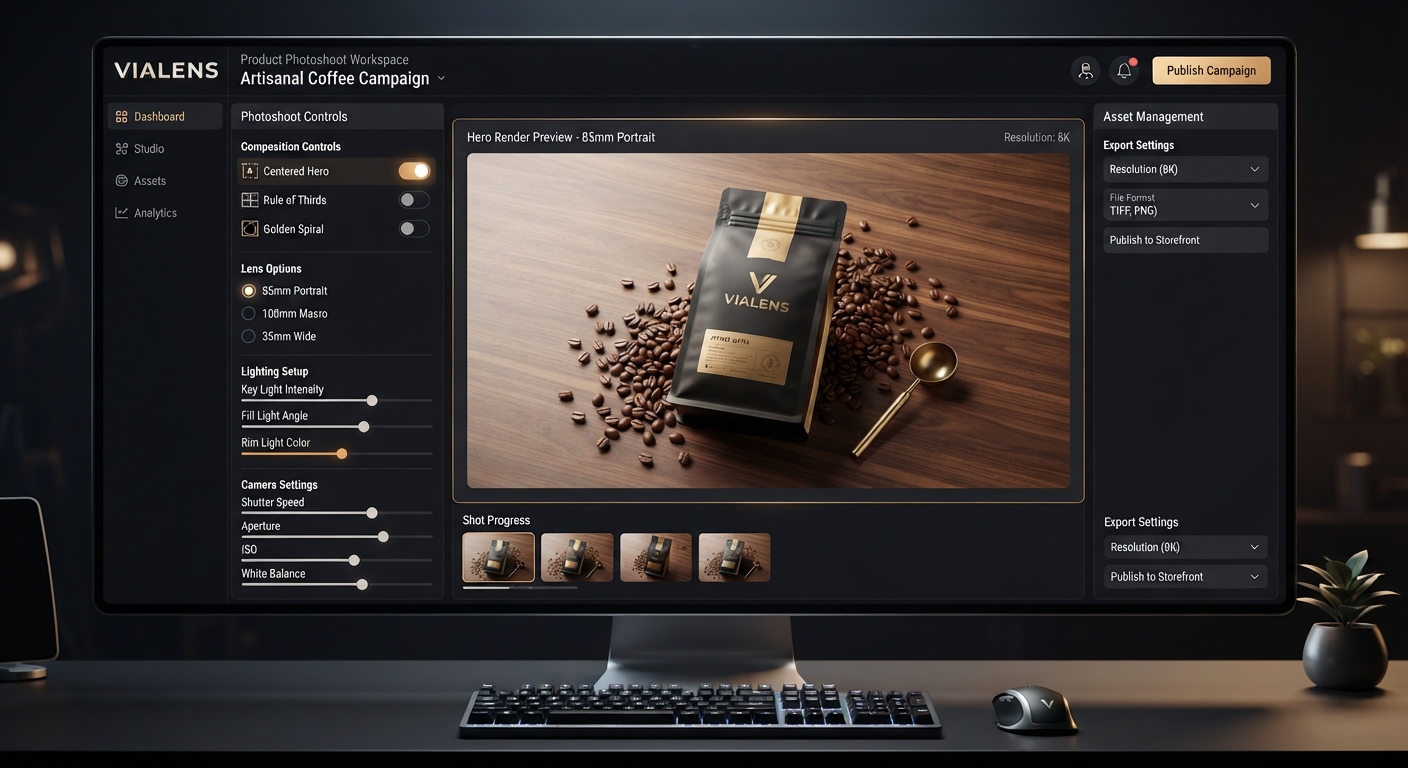
One of the most useful ViaLens workflows is combining your product visuals with UGC content. You can start with a clean product image using Product Photoshoot, and then develop a UGC-style video concept using UGC Factory.
Create Your First AI UGC Video Today
Whether you are marketing beauty products, fashion, cookware, or electronics, ViaLens UGC Factory gives you a practical way to create engaging UGC-style marketing videos without organizing a traditional creator production.
Comments (0)
Be the first to leave a comment.