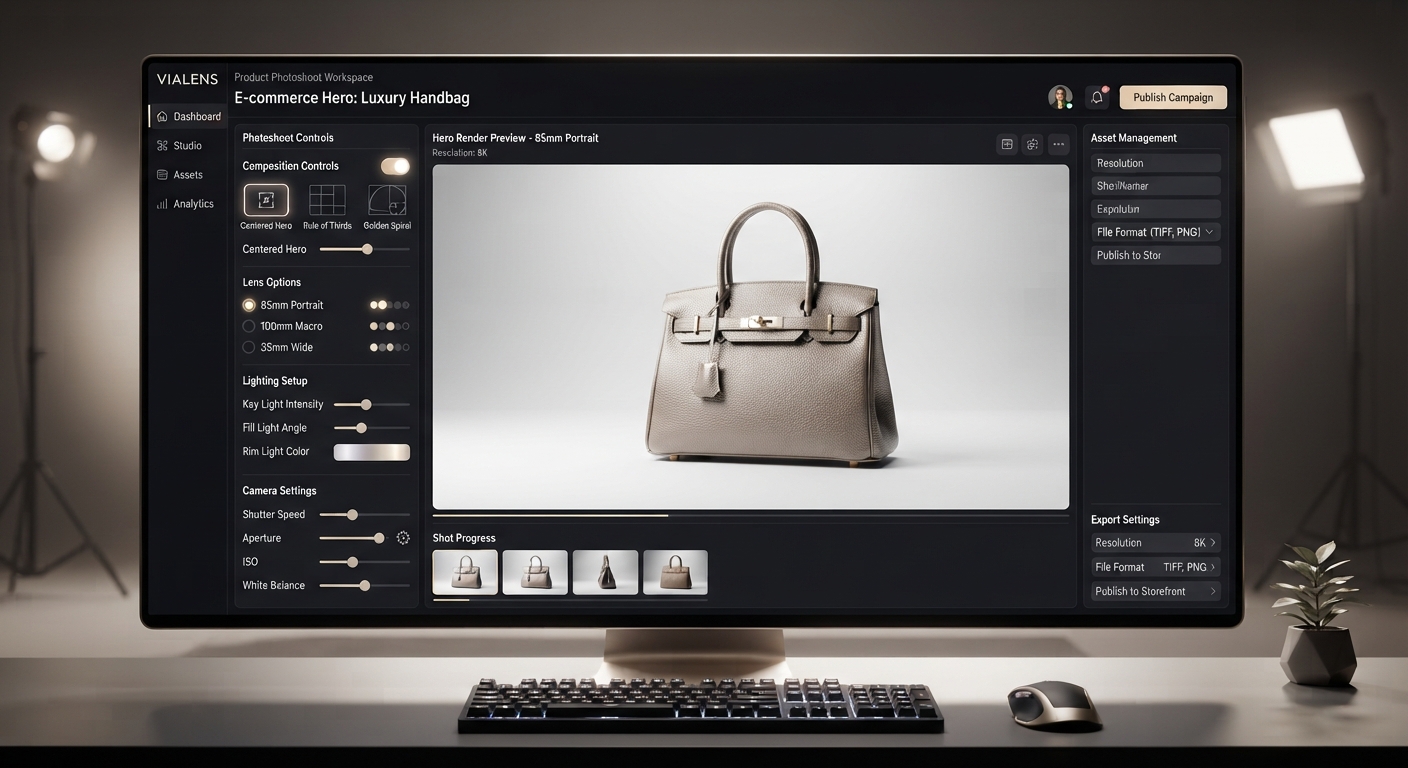
Fashion brands need more than model photography. Clean, detailed product imagery is essential for presenting individual garments, accessories, and fashion products clearly across e-commerce stores and marketing campaigns.
With ViaLens Product Photoshoot, fashion brands can create polished commercial product imagery from existing product assets while keeping the product itself at the center of the composition.
Why Use AI Product Photoshoot for Fashion?
Product Photoshoot is particularly useful when you need clean, consistent visuals for individual fashion products without building an entire editorial campaign around a model.
- Create clean clothing product imagery
- Present fashion products in premium environments
- Highlight materials, textures, and design details
- Create consistent visuals across a collection
- Explore different commercial backgrounds and lighting styles
- Create campaign-ready hero images for individual products
15 Ready-to-Use AI Product Photoshoot Prompts for Fashion
1. Premium Garment Hero Shot
Prompt: Create a premium commercial product photograph using the uploaded garment as the exact visual reference. Preserve its original color, fabric appearance, shape, proportions, pattern, stitching, labels, and all important design details. Present the garment in a sophisticated studio environment with controlled soft lighting, subtle shadows, and a clean luxury composition.
Use Case: Main product imagery for premium clothing.
2. Minimalist Clothing Product Image
Prompt: Create a clean minimalist product photograph of the uploaded garment. Preserve its exact design, color, fabric appearance, proportions, and visible details. Use a simple neutral background, soft studio lighting, subtle grounding shadow, and a composition that keeps the clothing as the sole visual focus.
Use Case: E-commerce product pages and clean catalogs.
3. Luxury Fashion Product Campaign
Prompt: Create a sophisticated luxury product image featuring the uploaded garment. Preserve its original appearance and all important details. Place it in an elegant premium environment with refined textures, controlled cinematic lighting, subtle reflections, and a polished editorial composition.
Use Case: Luxury fashion campaigns.
4. Fabric and Texture Detail
Prompt: Create a detailed close-up product photograph focusing on the uploaded garment's fabric, texture, stitching, and construction. Preserve the original material appearance, color, pattern, and design details. Use precise studio lighting, shallow depth of field, and a premium commercial photography aesthetic.
Use Case: Highlighting craftsmanship and material quality.
5. Folded Garment Presentation
Prompt: Create a premium commercial photograph showing the uploaded garment neatly folded on a sophisticated surface. Preserve its exact color, pattern, fabric appearance, and visible design details. Use soft directional lighting, subtle natural shadows, and a clean editorial composition.
Use Case: Clothing catalogs and retail campaigns.
6. Luxury Dark Fashion Product
Prompt: Create a premium dark-background product photograph featuring the uploaded garment. Preserve its exact design, colors, materials, and important details. Use a sophisticated dark environment with controlled highlights, subtle shadows, refined depth, and a luxury editorial aesthetic.
Use Case: Premium fashion and luxury collections.
7. Clothing on Premium Surface
Prompt: Create a high-end commercial photograph featuring the uploaded garment arranged naturally on a premium surface. Preserve its original shape, fabric, color, pattern, and visible details. Use elegant lighting, realistic shadows, subtle depth, and a refined fashion product composition.
Use Case: Product-focused campaign visuals.
8. Fashion Accessory Product Shot
Prompt: Create a premium commercial product photograph using the uploaded fashion accessory as the exact reference. Preserve its original shape, materials, colors, branding, and details. Place it on an elegant studio surface with controlled lighting, realistic shadows, subtle reflections, and a sophisticated fashion aesthetic.
Use Case: Bags, shoes, belts, wallets, and other fashion accessories.
9. Seasonal Fashion Product Campaign
Prompt: Create a seasonal product campaign image featuring the uploaded fashion item. Preserve its exact appearance, colors, materials, and important details. Build a tasteful seasonal environment around the product using subtle props, textures, and lighting while keeping the fashion item as the primary focus.
Use Case: Seasonal fashion campaigns.
10. Clean White Fashion Catalog
Prompt: Create a professional fashion catalog photograph featuring the uploaded garment. Preserve its exact appearance, color, fabric, pattern, proportions, and design details. Place it against a seamless clean white background with balanced studio lighting and a subtle natural shadow.
Use Case: Online stores and product catalogs.
11. Editorial Flat Lay
Prompt: Create a premium editorial flat-lay composition featuring the uploaded fashion product. Preserve its original design, color, material, pattern, and important details. Arrange it neatly with a small number of complementary fashion accessories and use refined lighting, balanced composition, and a sophisticated editorial aesthetic.
Use Case: Fashion campaigns and collection storytelling.
12. Product Collection Composition
Prompt: Create a coordinated commercial composition featuring the uploaded fashion products as a collection. Preserve each item's original appearance, colors, materials, patterns, proportions, and branding. Arrange the products naturally using consistent lighting and a clean premium fashion aesthetic.
Use Case: Collection launches and coordinated product ranges.
13. Premium Boutique Product Display
Prompt: Create a sophisticated product photograph featuring the uploaded fashion item displayed naturally inside a premium boutique environment. Preserve its exact appearance and important details. Use elegant interior styling, controlled lighting, realistic shadows, and a refined commercial composition.
Use Case: Premium retail and boutique campaigns.
14. Fashion Product Hero with Negative Space
Prompt: Create a premium hero product image featuring the uploaded fashion item as the main subject. Preserve its exact design, colors, materials, proportions, and visible details. Use sophisticated lighting and a clean composition with intentional negative space around the product for potential campaign text or branding.
Use Case: Website banners and advertising layouts.
15. Fashion Campaign Hero Product Image
Prompt: Create a polished hero image for a fashion product campaign using the uploaded item as the exact visual reference. Preserve its original design, colors, fabric appearance, proportions, pattern, branding, and important details. Build a premium commercial environment with sophisticated lighting, realistic shadows, subtle depth, and a strong product-centered composition.
Use Case: Primary product campaign imagery.
How to Customize Fashion Product Photoshoot Prompts
| Element | What to Specify |
|---|---|
| Product | Garment or accessory, color, material, pattern, and important details |
| Environment | Studio, boutique, premium surface, lifestyle setting, or editorial environment |
| Surface | Marble, wood, fabric, stone, glass, or another suitable material |
| Lighting | Soft studio, daylight, cinematic, dramatic, or controlled directional lighting |
| Composition | Hero shot, close-up, flat lay, catalog, collection, or editorial arrangement |
| Mood | Luxury, minimalist, modern, natural, editorial, or sophisticated |
| Negative Space | Specify if you need room for campaign copy or branding |
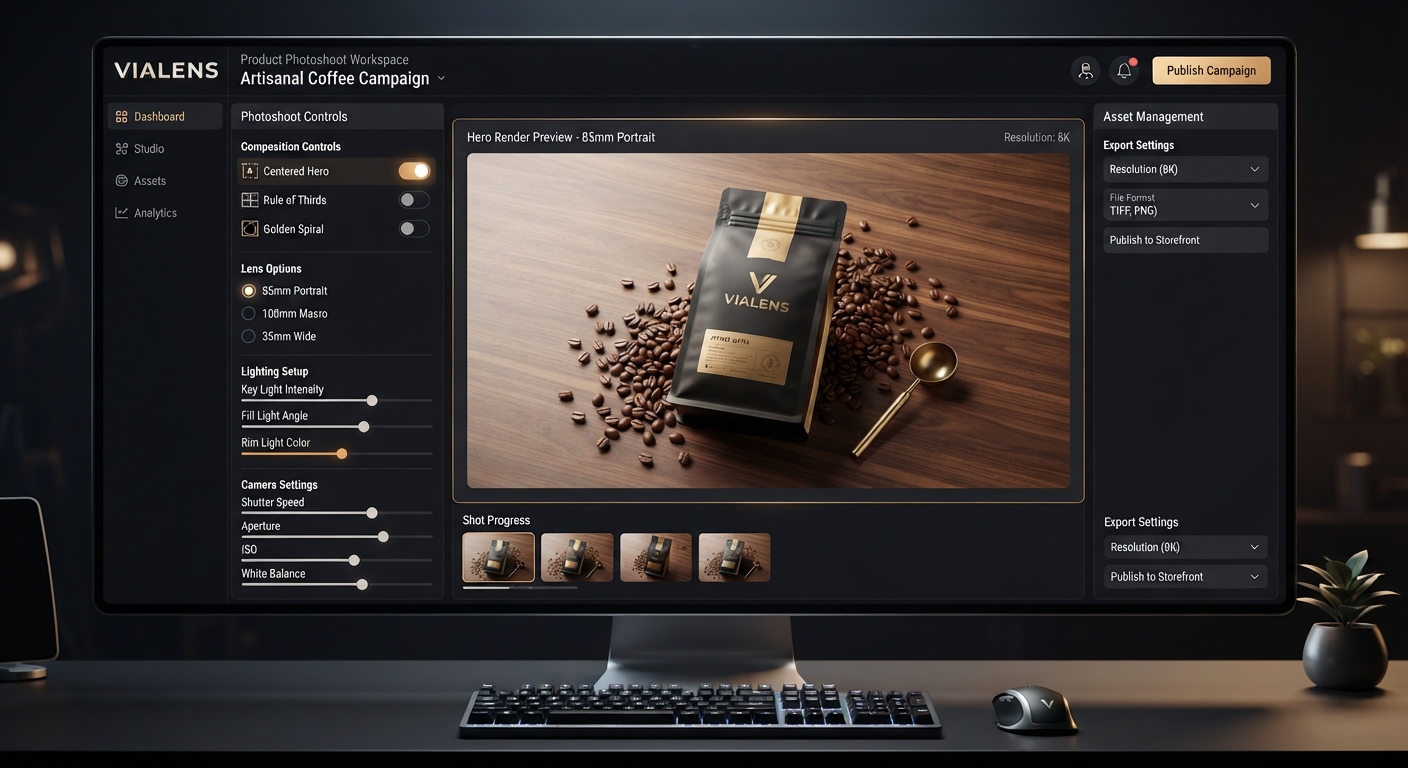
Use Product Photoshoot Controls
ViaLens Product Photoshoot includes creative controls that can help refine fashion product imagery.
- Composition: Use
Centered Herofor a strong product-focused composition. - Color & Mood: Use
Luxury Darkfor sophisticated premium fashion visuals. - Lens & Depth of Field:
85mm Portraitcan support elegant product compositions, while100mm Macrocan be useful when emphasizing fine material or design details. - Magic Prompt: Add specific instructions for the environment, lighting, surface, mood, and composition.
Best Practices for Fashion Product Photography
- Start with a clear product asset.
- Describe the desired environment specifically.
- Tell the AI which garment details must remain visually consistent.
- Keep backgrounds and props secondary to the product.
- Use close-up compositions when fabric or craftsmanship is important.
- Use negative space when the image will be used in advertising layouts.
- Maintain consistent lighting and composition when creating a collection.
- Review generated visuals carefully for garment and accessory accuracy.
Product Photoshoot vs. Fashion Studio
The two tools serve different creative purposes:
| Tool | Best For |
|---|---|
| Product Photoshoot | Product-focused images of garments and fashion items |
| Fashion Studio | Model-based fashion visuals and clothing campaigns |
If the goal is to clearly present the product itself, use Product Photoshoot. If the goal is to show clothing being worn as part of a fashion campaign, use Fashion Studio.
Build a Complete Fashion Creative Workflow
- Product Photoshoot: Create clean product-focused fashion imagery.
- Fashion Studio: Create model-based editorial and campaign visuals.
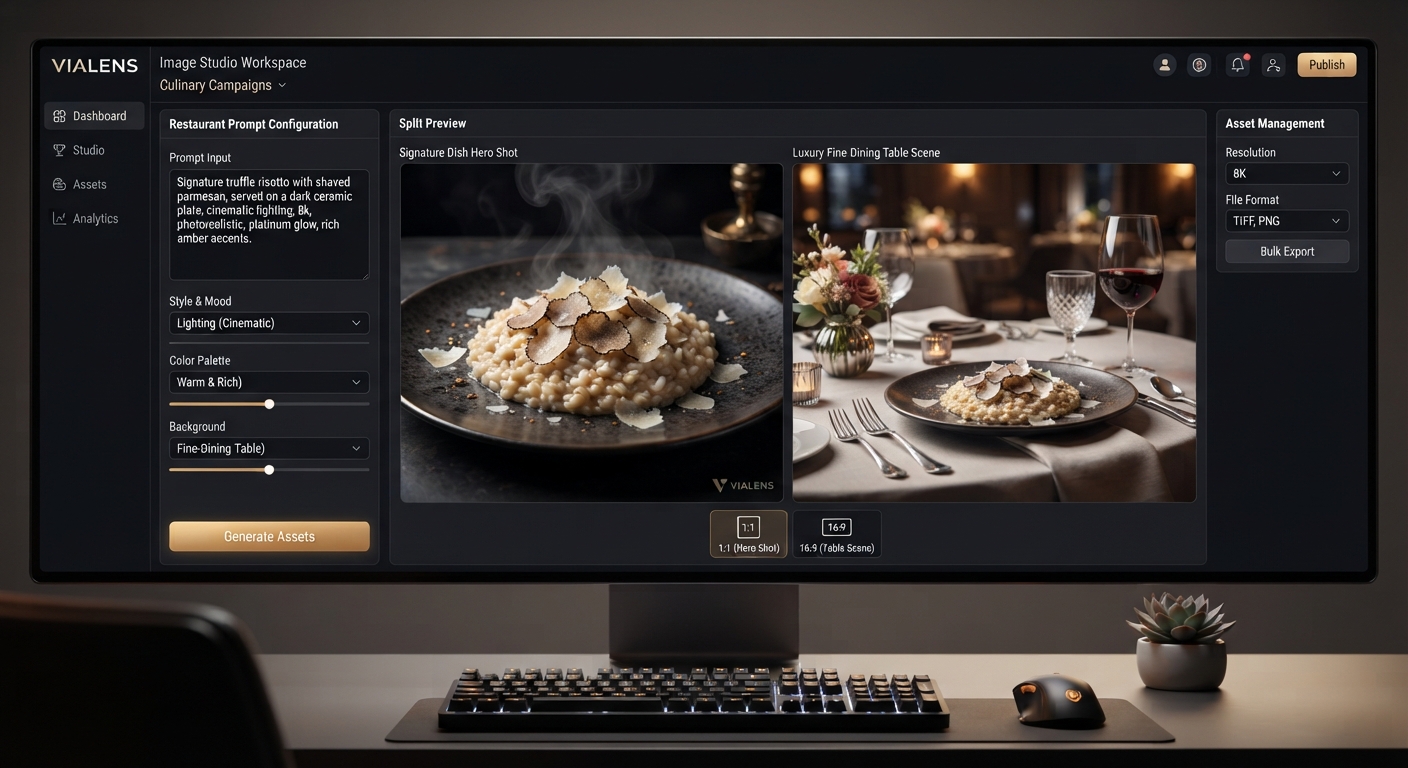
- Image Studio: Build broader fashion campaign concepts.
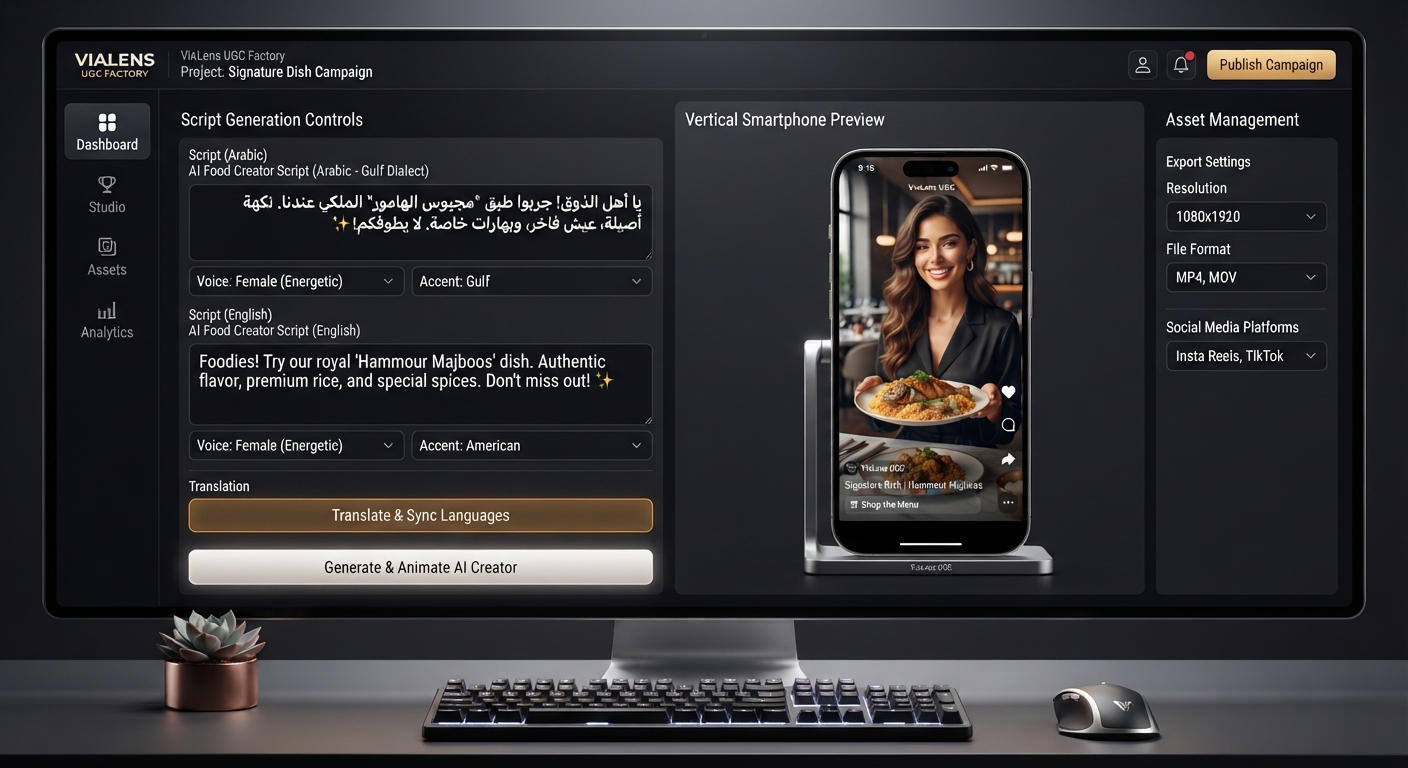
- UGC Factory: Create short-form fashion UGC-style videos.
- Copy Studio: Develop campaign copy and promotional messaging.
- Brand Kit: Maintain consistent visual brand direction.
Final Thoughts
Fashion product photography should present the clothing clearly while supporting the visual identity of the brand. By combining accurate product presentation with thoughtful environments, lighting, composition, and mood, fashion brands can create a consistent library of commercial product imagery.
ViaLens Product Photoshoot provides a dedicated way to create these product-focused visuals, while Fashion Studio can be used when the same garments need to be presented on models in a broader fashion campaign.
التعليقات (0)
كن أول من يترك تعليقًا.