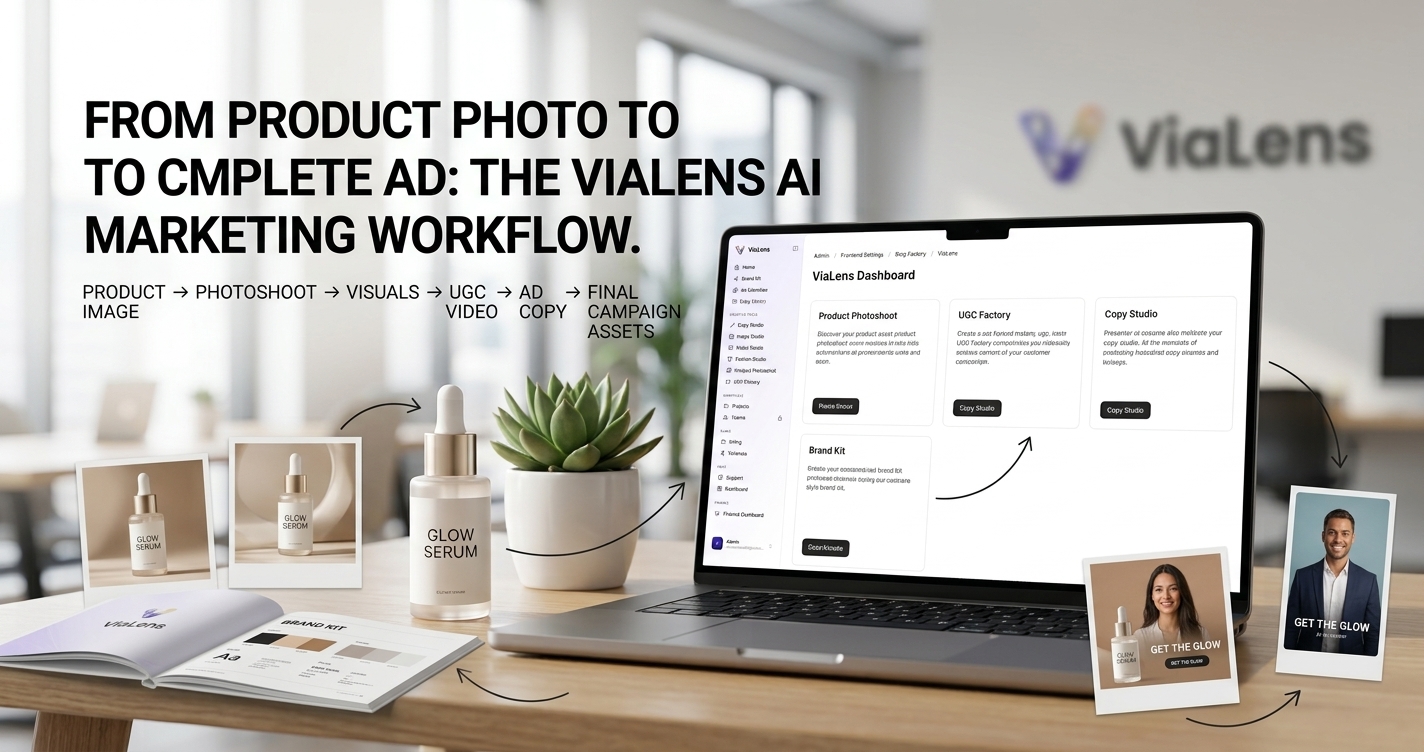
Creating a complete advertising campaign often means moving between different tools for product photography, visual design, video production, and copywriting. This can make the creative process slower and harder to keep consistent.
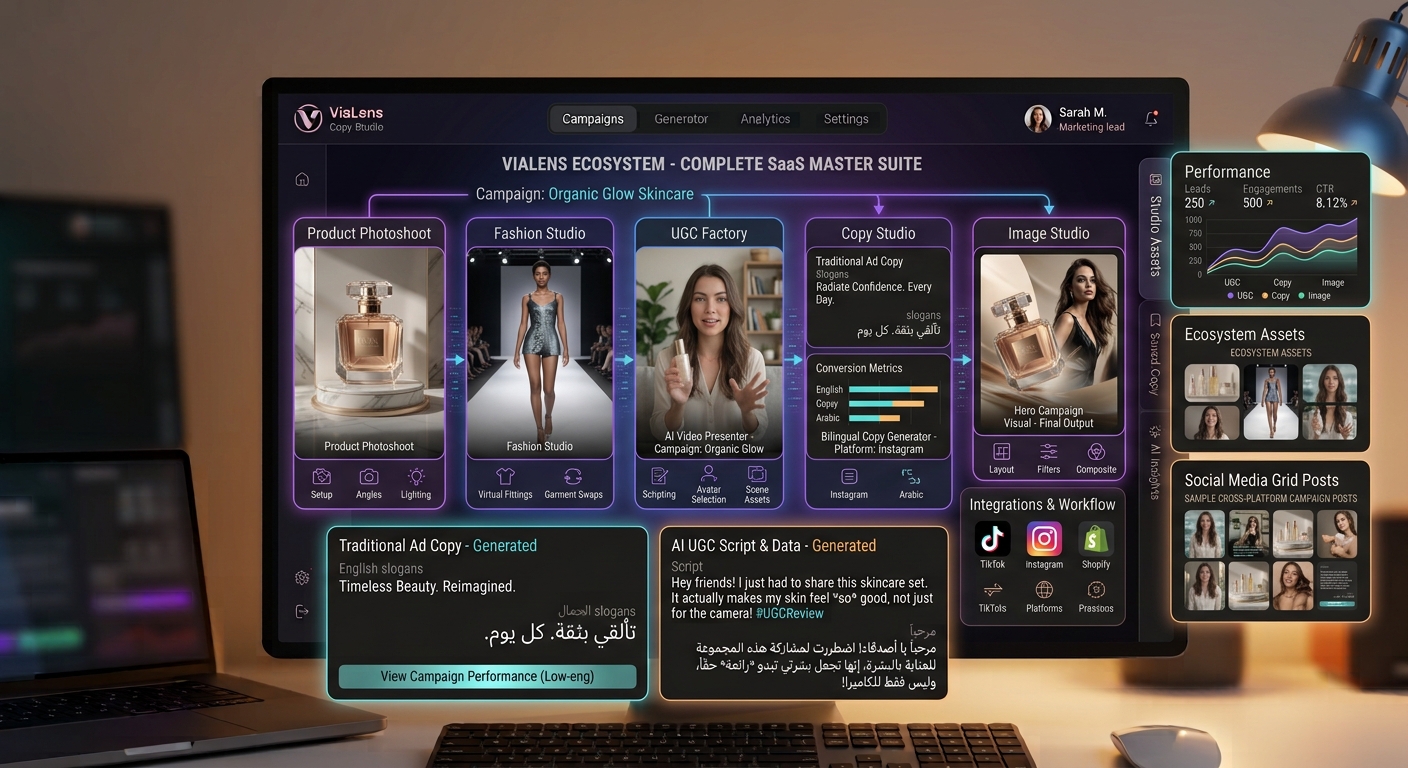
ViaLens brings these creative workflows together, allowing brands, e-commerce stores, and marketers to move from a product image to professional marketing assets through a connected AI-powered process.
The ViaLens AI Marketing Workflow
A typical product marketing workflow can follow this simple process:
Product Image → Product Photoshoot → Marketing Visual → UGC Video → Ad Copy → Final Campaign Assets
Step 1: Start With Your Product Asset
Every campaign starts with a clear product reference. Upload a high-quality product image that clearly shows the product and its important visual details. A clean source image gives your AI creative workflow a strong foundation.
Step 2: Create Professional Product Visuals
Use Product Photoshoot to transform your standard product image into a more polished commercial or lifestyle visual. You can define the environment, lighting, composition, mood, and creative direction of the scene.
Step 3: Develop Your Social Video Concept
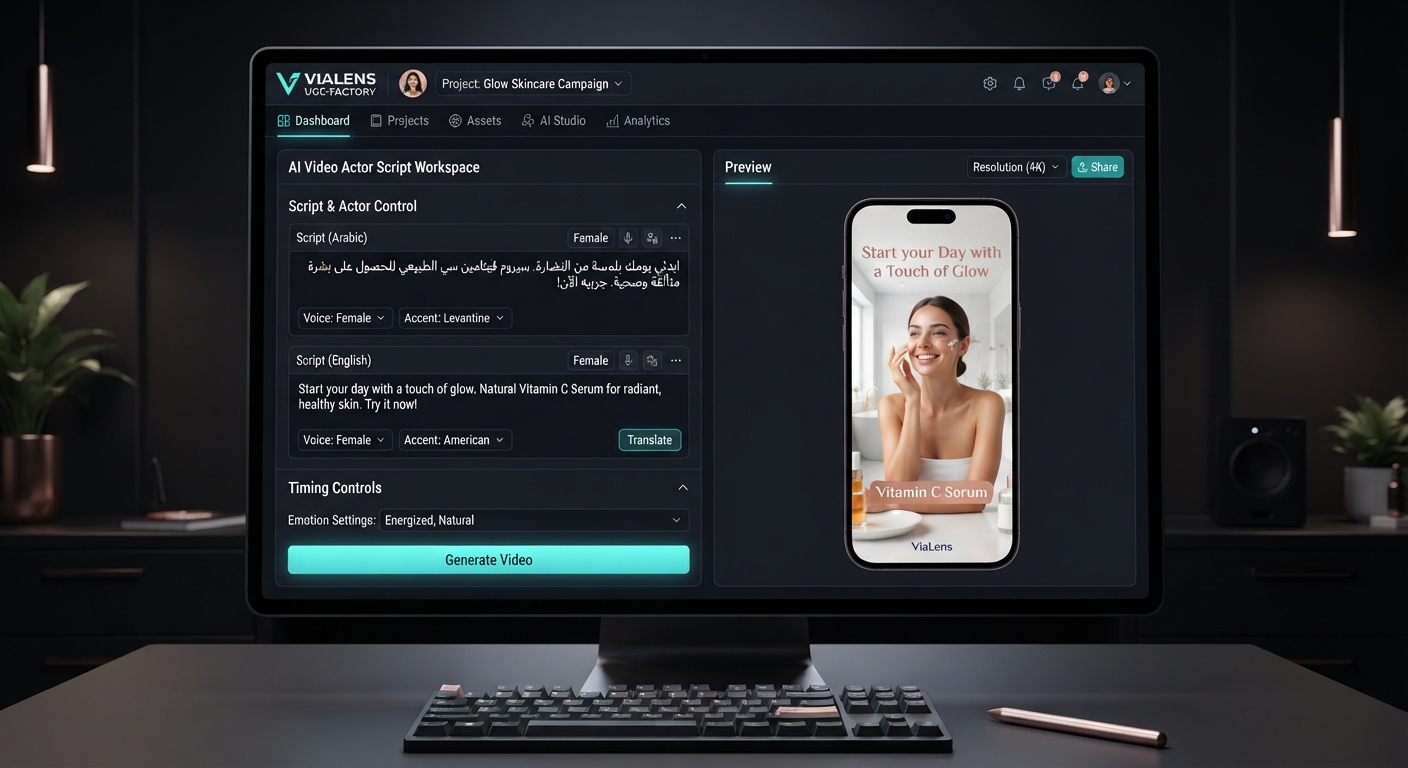
Once you have your product visual, use UGC Factory to create a short-form UGC-style video around the same product. Select an AI actor, create a conversational script, choose a suitable voice, and build a cohesive video concept.
Step 4: Create Your Advertising Copy
Strong visuals work better when supported by clear advertising copy. Use Copy Studio to develop marketing messages around your product, audience, and campaign objective, including:
- Headlines: Short messages designed to capture attention.
- Primary Ad Text: Explain the product, problem, benefit, or offer.
- Calls to Action: Encourage the audience to take the next step.
- Creative Variations: Explore different messaging angles for your campaign.
Step 5: Keep Your Brand Consistent
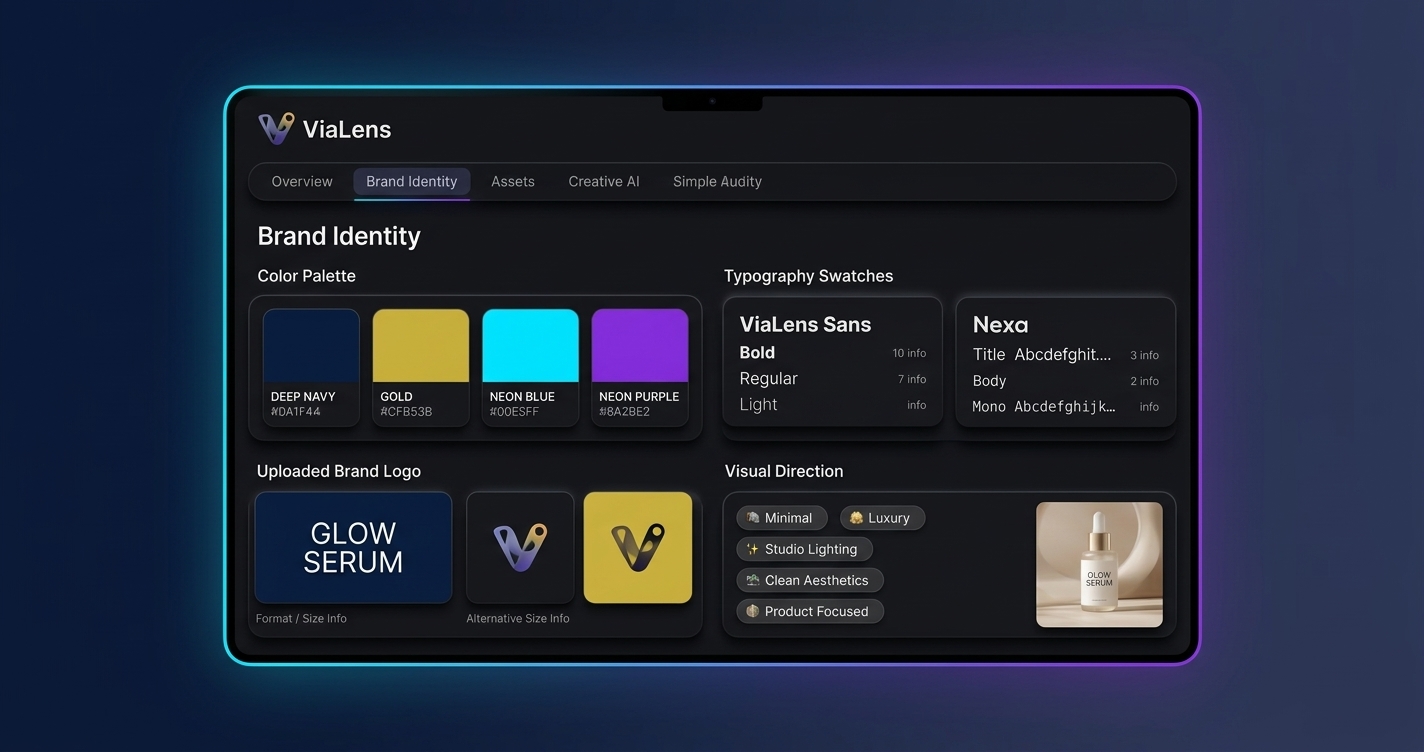
Your campaign should look and sound like the same brand across every creative. Use your Brand Kit to maintain important brand elements such as colors, typography, logo usage, and visual direction across supported ViaLens workflows.
Step 6: Build Your Complete Campaign Asset Set
| Campaign Asset | ViaLens Tool | Purpose |
|---|---|---|
| Product Hero Image | Product Photoshoot | Create polished commercial and lifestyle product visuals. |
| Social Video | UGC Factory | Create short-form UGC-style marketing videos. |
| Ad Copy | Copy Studio | Create headlines, advertising text, and calls to action. |
| Brand Direction | Brand Kit | Maintain consistent visual identity across supported creatives. |
Example: A Complete E-commerce Campaign
Imagine you are launching a new cookware product. Start with a clean product image, use Product Photoshoot to create a premium kitchen scene, build a UGC video using UGC Factory, and generate campaign copy using Copy Studio for a fully coordinated launch.
Why Use a Connected AI Marketing Workflow?
- Faster Creative Production: Move from one campaign stage to another smoothly.
- More Creative Variations: Explore different visual styles, video concepts, and messaging angles.
- Better Brand Consistency: Keep your brand direction consistent across multiple marketing assets.
- Simpler Workflow: Manage important AI marketing creation tasks from one platform.
Build Your Next Campaign with ViaLens
Combine Product Photoshoot, UGC Factory, Copy Studio, and Brand Kit to turn your product ideas into a coordinated set of marketing assets ready for your next campaign.
Comments (0)
Be the first to leave a comment.