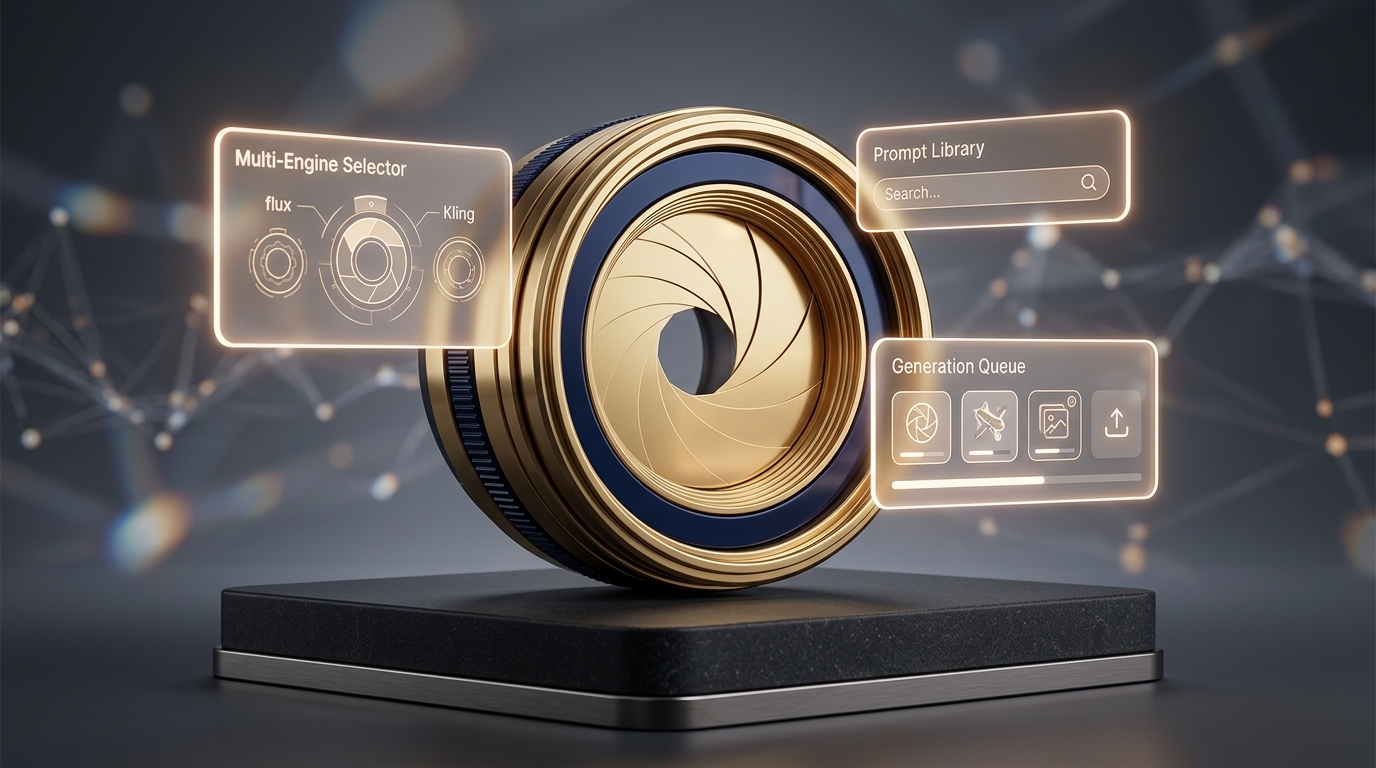
In the competitive e-commerce landscape, launching ads isn't enough—you need visuals that capture immediate attention while preserving total brand consistency. ViaLens Image Studio delivers an intelligent solution combining speed, high-quality AI image generation, and precise brand alignment.
1. Brand Kit Integration
Before generating, select your active Brand Kit. The system automatically applies your defined primary and secondary color palettes (e.g., Deep Navy and Gold), brand typography, and visual style without needing manual HEX code entries in your prompt.
2. Generate with Advanced AI Image Generation
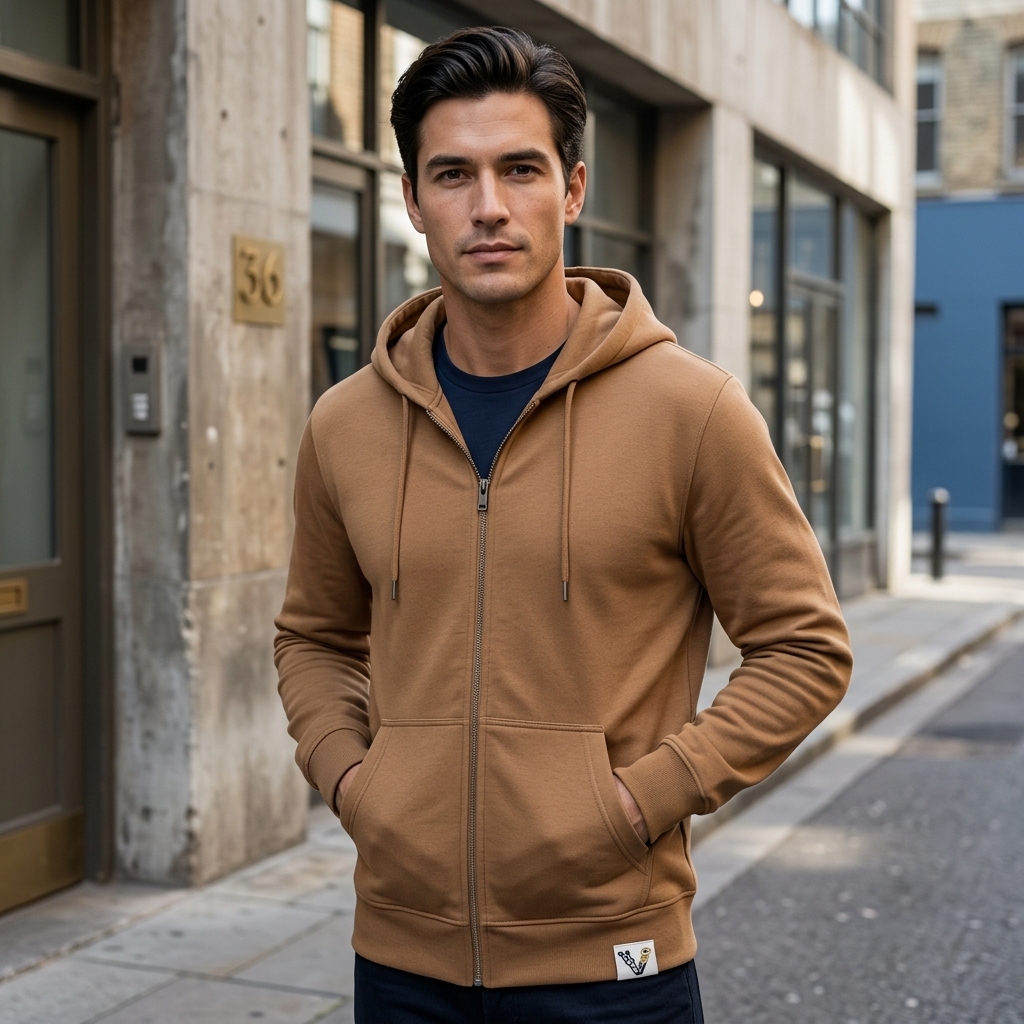
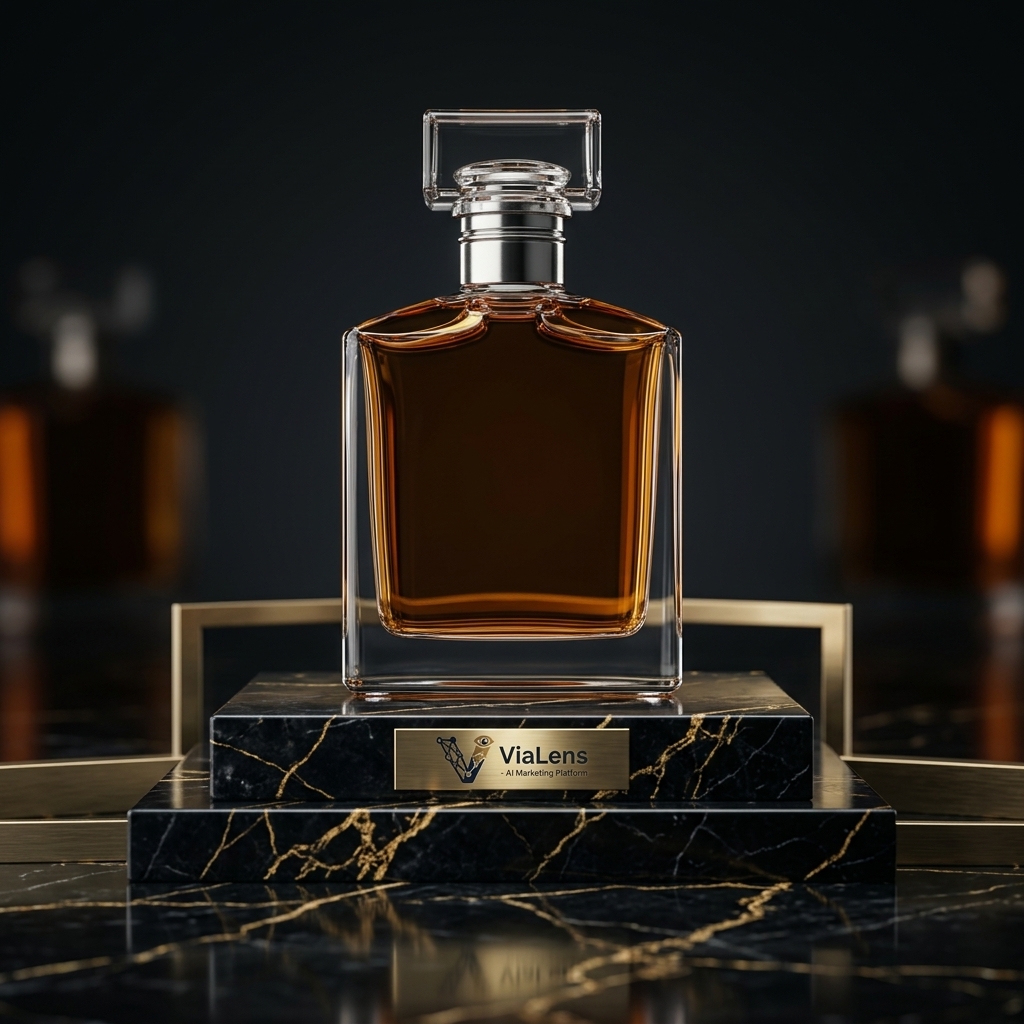
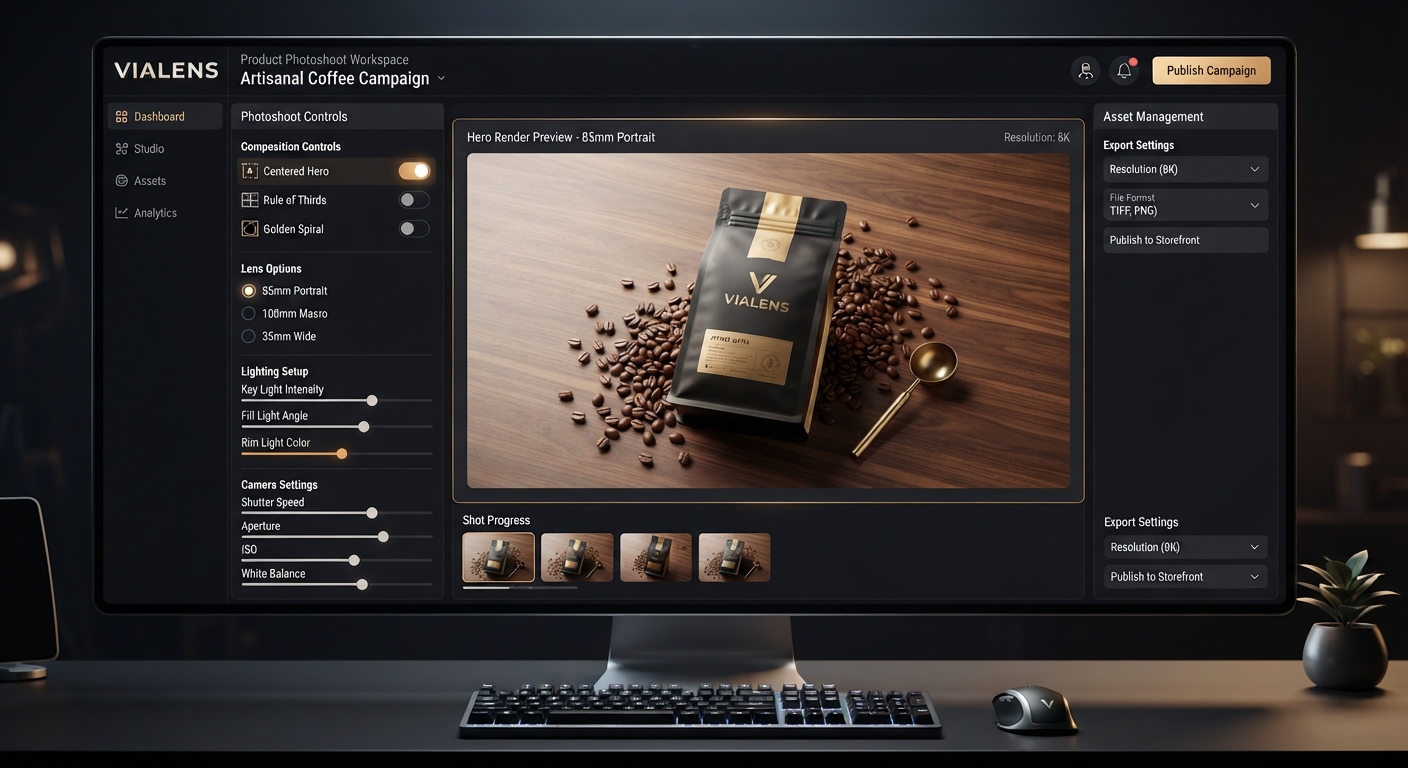
ViaLens Image Studio uses advanced AI image generation to create high-quality, detailed marketing visuals for your products, campaigns, and social media content.
For the best results, craft prompts that clearly describe:
Subject + Environment + Lighting Quality + Camera Angle + Composition + Visual Style
This helps you create professional product advertisements, lifestyle scenes, promotional posters, and other marketing visuals.
3. Craft or Select Your Prompt
- Prompt Library: Click the
Prompt Librarybutton to browse pre-tested, industry-specific templates for categories such as E-commerce, Beauty, Tech, and Fashion, and apply them with one click. - Custom Prompting: Write custom prompts focusing on: Subject + Studio Environment + Lighting Quality + Camera Angle.
4. Set Aspect Ratio & Resolution
Choose dimensions aligned with your channels: 9:16 for Stories/Reels, 1:1 for Feed Posts, or 16:9 for Web Banners and horizontal content.
5. Export & Utilize as a First Frame
Download the final render for immediate use, or save it as a reference image (First Frame) when transitioning to Video Studio for animation.
This allows you to move seamlessly from a static AI-generated visual to an engaging marketing video while maintaining the creative direction of your original image.
Comments (0)
Be the first to leave a comment.