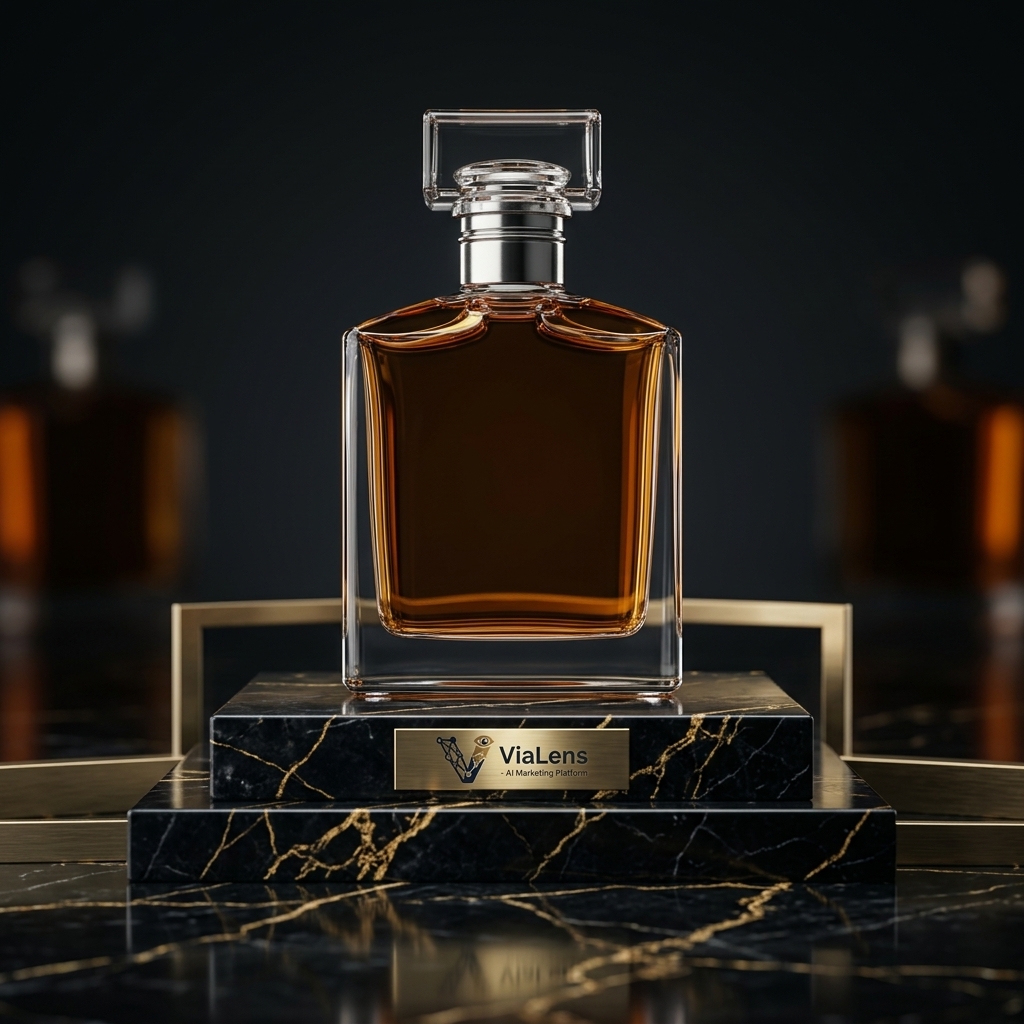
In e-commerce and digital advertising, visual context is everything. A plain product photo on a white background informs the customer, but a lifestyle or luxury studio setup sells the dream.
Historically, creating studio-grade product campaigns required expensive set designs, specialized lighting equipment, professional photographers, and days of post-production. With ViaLens Product Photoshoot, you can create professional product scenes and commercial visuals directly from your browser without the need for a physical studio setup.
What is ViaLens Product Photoshoot?
ViaLens Product Photoshoot is an AI-powered visual studio designed specifically for brands, e-commerce stores, marketers, and digital agencies. By uploading a product image and defining your desired creative direction, you can transform a standard product asset into a polished commercial or lifestyle scene.
Key Capabilities:
- Instant Background Isolation: Helps isolate your product and integrate it naturally into a new visual environment while preserving important product details.
- AI Magic Prompt Integration: Turn a simple creative idea into a more detailed photographic brief automatically, helping you create sophisticated product scenes faster.
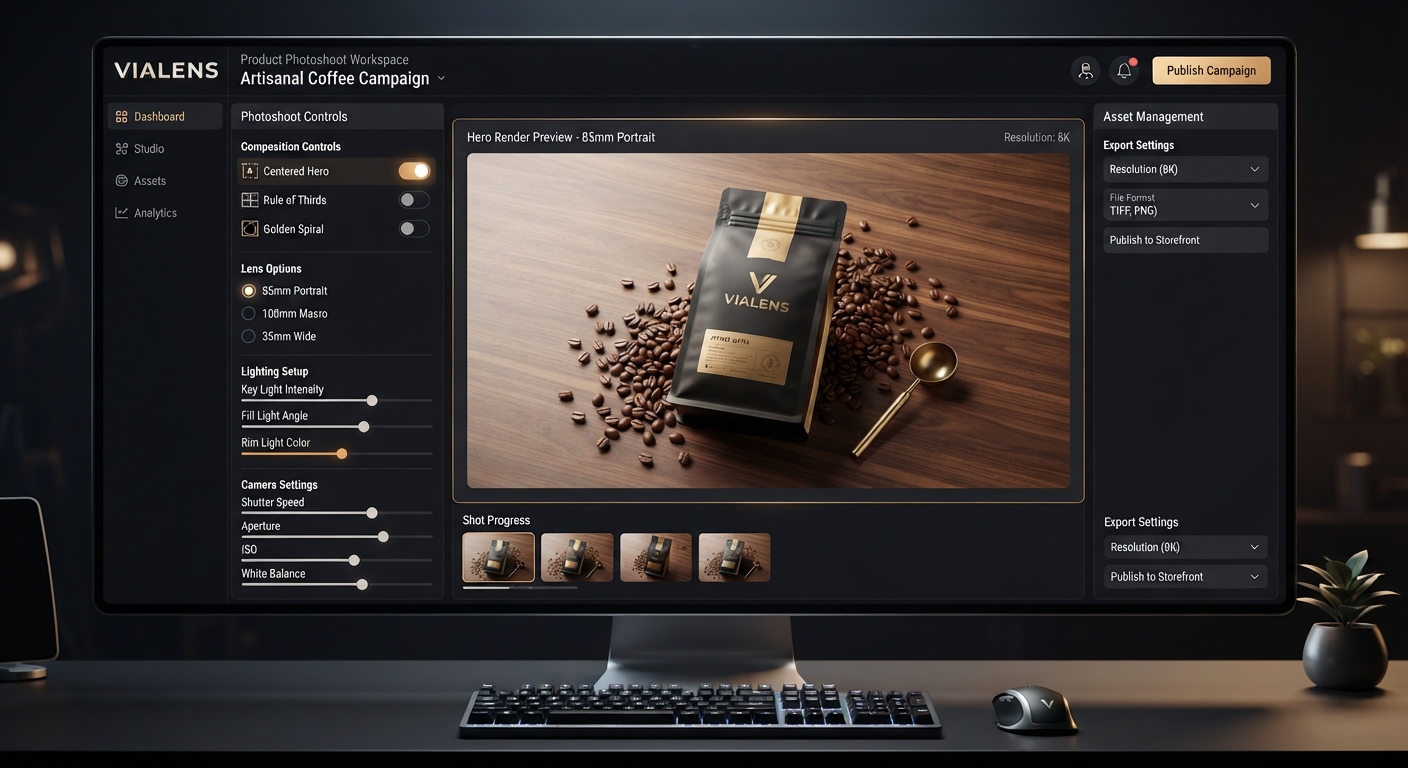
- Advanced Camera & Lighting Controls: Fine-tune the visual direction with dedicated composition, mood, lens, and depth-of-field controls such as
Centered Hero,Luxury Dark,85mm Portrait, and100mm Macro. - Natural Reflection & Shadow Blending: Create realistic lighting, shadows, reflections, and environmental integration to help the product feel naturally placed within the generated scene.
Step-by-Step: How to Create a Luxury Product Shot
Step 1: Upload Your Product Asset
Start by navigating to Product Photoshoot in the ViaLens dashboard. Click New Photoshoot and upload your product asset.
Pro Tip: For the cleanest results and the most accurate preservation of product details, upload a high-resolution PNG with a transparent or clean white background whenever possible.
Step 2: Craft Your Scene Vision with Magic Prompt
You can write a simple creative brief or use Magic Prompt to expand your idea into a more detailed photographic description.
Describe the environment, lighting, mood, composition, camera perspective, and overall visual style you want for the final product shot.
Step 3: Set Advanced Camera & Tone Controls
Open the Advanced Controls tab to fine-tune the creative direction of your product image.
- Composition: Select
Centered Heroto position the product as the primary visual focus of the frame. - Color & Mood: Choose
Luxury Darkto create a deeper, more dramatic premium atmosphere with stronger contrast. - Lens & Depth of Field: Select
85mm Portraitfor a refined product-focused perspective or100mm Macrowhen you want to emphasize fine product details and controlled background blur.
Step 4: Choose Aspect Ratio & Generate
Select your desired aspect ratio depending on your publishing channel. Use 1:1 for Instagram feeds, product listings, and square marketing content, or 16:9 for web banners and horizontal marketing visuals.
Once your product, creative direction, and advanced controls are configured, click Generate Shot to create your final product visual.
Real-World ROI & Efficiency
| Metric | Traditional Photoshoot | ViaLens Product Photoshoot |
|---|---|---|
| Production Cost | Studio, photographer, equipment, and production costs | AI-powered creative production using credits |
| Turnaround Time | Typically requires scheduling and post-production | Generate product concepts directly from your browser |
| Set & Prop Costs | Physical sets, props, and location expenses | AI-generated environments and creative concepts |
| Creative Variations | New setups may require additional production | Create multiple visual concepts from the same product asset |
Start Shooting Studio-Grade Visuals Today
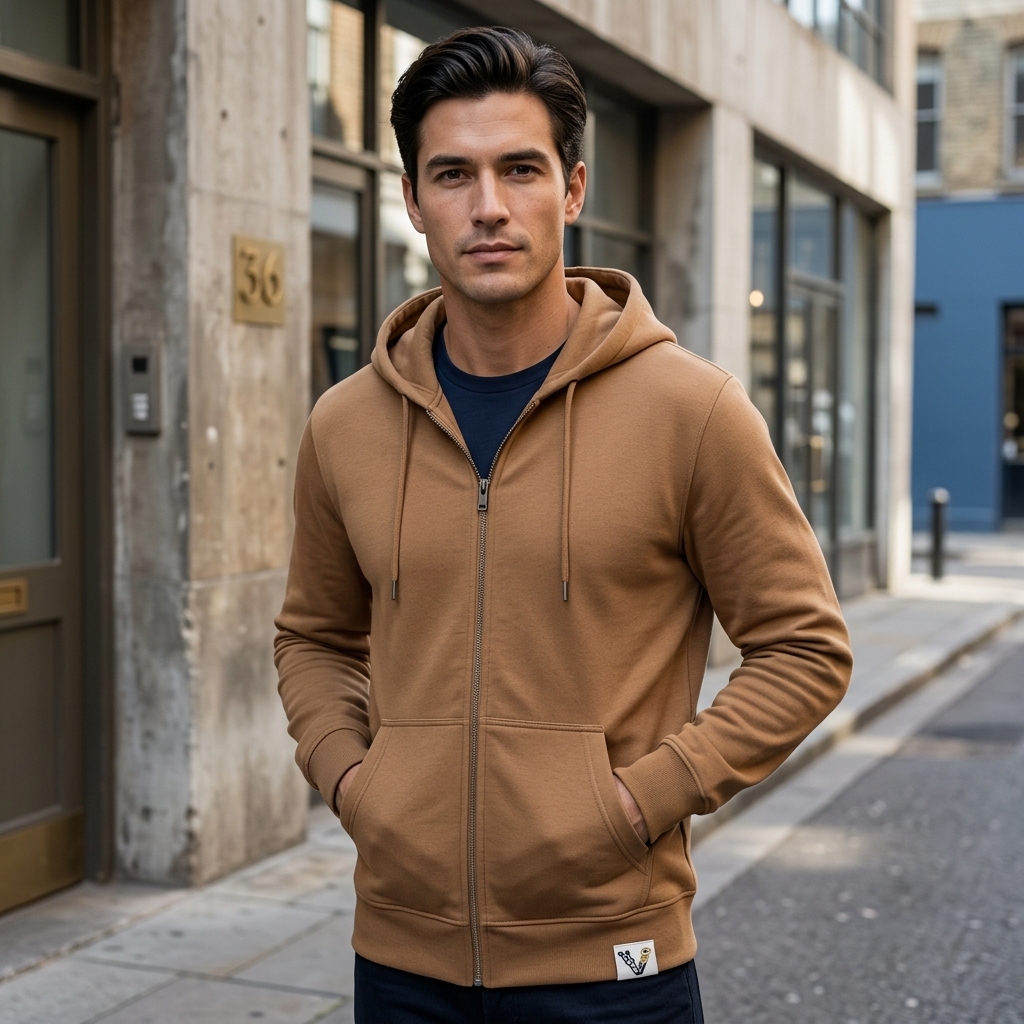
Whether you are launching a luxury fragrance line, cosmetics, cookware, fashion products, or other lifestyle goods, ViaLens Product Photoshoot gives you the creative power to build professional product visuals directly inside your browser.
Transform standard product assets into polished commercial scenes, experiment with different environments and moods, and create a stronger visual library for your marketing campaigns.
Comments (0)
Be the first to leave a comment.